
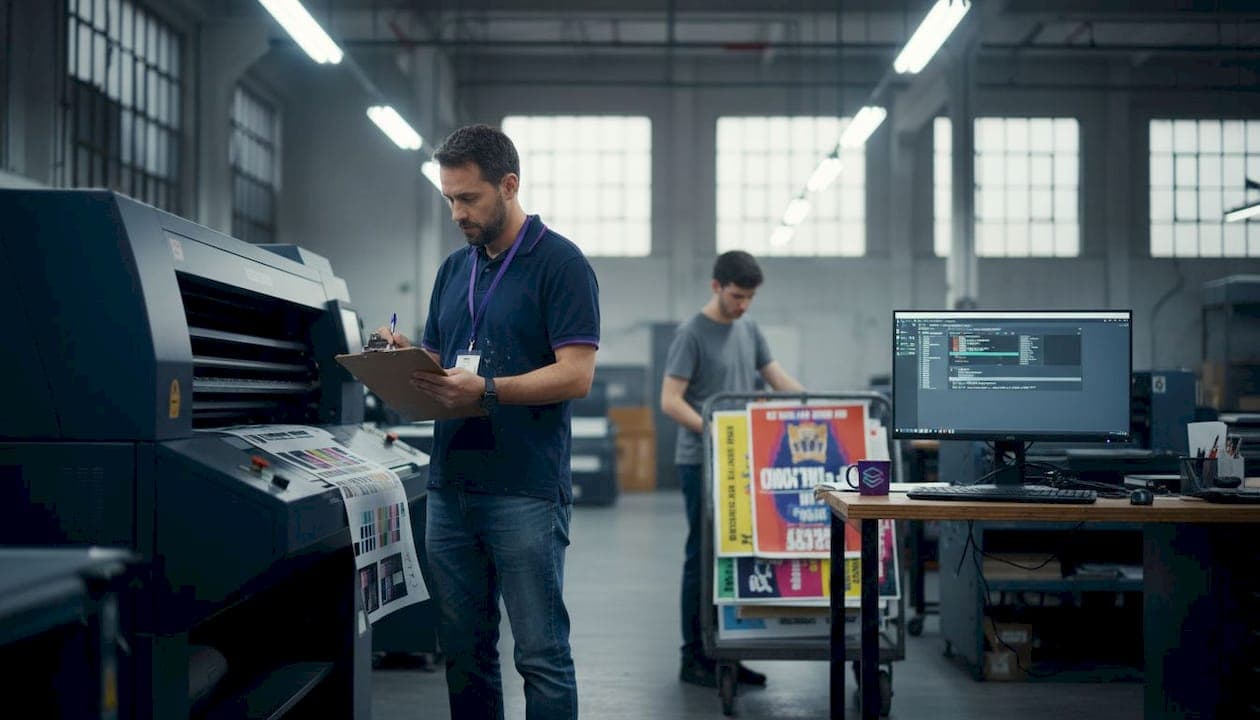
Manual print file preparation is one of the biggest time drains in a print shop. A single job can require color profile checks, bleed validation, DPI verification, and layer separation, all done by hand. One missed step means a reprint, a delayed deadline, and a frustrated client. Manual print file prep leads to delays and costly errors that chip away at your margins and reputation. Design automation changes that equation entirely, and this article walks you through the key benefits, a side-by-side comparison of methods, and how to pick the right tools for your shop.
Table of Contents
- Key criteria for evaluating design automation benefits
- Top benefits of design automation for print shops and designers
- How design automation enhances color accuracy
- Comparing design automation tools and methods
- When to invest in design automation: Situational recommendations
- Take the next step: Automate your print design workflow
- Frequently asked questions
Key Takeaways
| Point | Details |
|---|---|
| Boosted productivity | Automation helps print shops prepare more jobs faster and with fewer errors. |
| Consistent color accuracy | Automated tools ensure the right color profiles and reliable reproduction for every project. |
| Reduced costs | By minimizing rework and mistakes, automation cuts waste and production expenses. |
| Easy scalability | Automation allows you to grow your workload without expanding your team. |
Key criteria for evaluating design automation benefits
Not every automation tool is built the same, and not every shop has the same needs. Before you invest time or money, you need a clear framework for what actually matters in a print automation solution.
Automation impacts prepress, file management, and color accuracy across every stage of production. That means your evaluation criteria should cover the full pipeline, not just one step. Here are the core factors to weigh:
- Error reduction and consistency: Does the tool catch bleed, DPI, and color profile issues automatically?
- Time savings in prepress: How much faster does file prep become compared to your current manual process?
- Color accuracy and output quality: Can it match Pantone colors reliably and flag profile mismatches before they hit the press?
- Ease of integration: Does it work with the file formats and software your team already uses, including PNG, JPG, PDF, and SVG?
- Scalability: Can it handle a surge in job volume without adding headcount?
Understanding design files in printing is foundational here. A tool that only handles one file type or one print method will create bottlenecks as your shop grows. Look for solutions that support screen printing, DTF, and digital press workflows under one roof.
Pro Tip: Before testing any automation tool, document your current average time per file prep job. That baseline number becomes your benchmark for measuring real ROI after you switch.
Top benefits of design automation for print shops and designers
With the top criteria in mind, here is what design automation actually delivers to real print shops and designers on the ground.
Automation reduces turnaround times and boosts reliability across the board. Instead of a designer spending 20 to 40 minutes manually prepping a single file, automated tools can process that same file in under a minute. That time compounds fast when you are running dozens of jobs per day.
Here are the standout benefits you can expect:
- Consistent print-ready formatting at scale: Every file gets the same treatment, regardless of who uploaded it or when.
- Reduced human error: Automated checks remove the risk of a tired designer missing a critical spec.
- Accurate color reproduction: Automated color checks flag issues before ink hits substrate.
- Faster client approvals: Clean, validated files move through approval stages without back-and-forth revisions.
- Workflow reporting: Track job volume, error rates, and turnaround times to identify bottlenecks.
Automation tools help avoid the most common manual mistakes, from missing bleed to incorrect resolution. These errors are small individually but devastating at scale. A shop running 50 jobs a week with a 10% error rate is reprinting five jobs every single week.
"The biggest shift automation brings is not speed. It is confidence. You stop second-guessing every file and start trusting the output."
Pro Tip: Use a design file checklist alongside your automation tool during the first month. It helps your team understand what the software is catching and builds trust in the process faster.
Automation also makes onboarding new staff far less risky. A junior designer using an automated preflight tool produces output that meets the same standard as a 10-year veteran. That consistency is a genuine competitive advantage.
How design automation enhances color accuracy
Color accuracy is where print shops win or lose client relationships. A logo printed in the wrong shade of blue is not a minor issue. It is a brand failure, and the client will remember it.
Design automation directly improves color consistency and quality by removing the guesswork from color profile management. Here is how the process typically works in a modern automated workflow:
- File ingestion: The tool reads the uploaded file and identifies the embedded color profile, whether it is RGB, CMYK, or an untagged file.
- Profile conversion: It automatically converts the file to the correct output profile for your specific print method, such as screen printing or DTF.
- Pantone matching: The system compares design colors against Pantone libraries and flags near-matches or substitutions, often achieving 70 to 95% accuracy.
- Inconsistency detection: Any color that falls outside acceptable tolerance is flagged before the job moves to production.
- Proof generation: A color proof is created automatically, ready for client sign-off without manual intervention.
Automated preflighting can catch color profile mismatches that human eyes simply miss on screen. Monitors display RGB light, not CMYK ink, so what looks perfect on a designer's display can print completely differently. Automation bridges that gap with objective, data-driven checks.
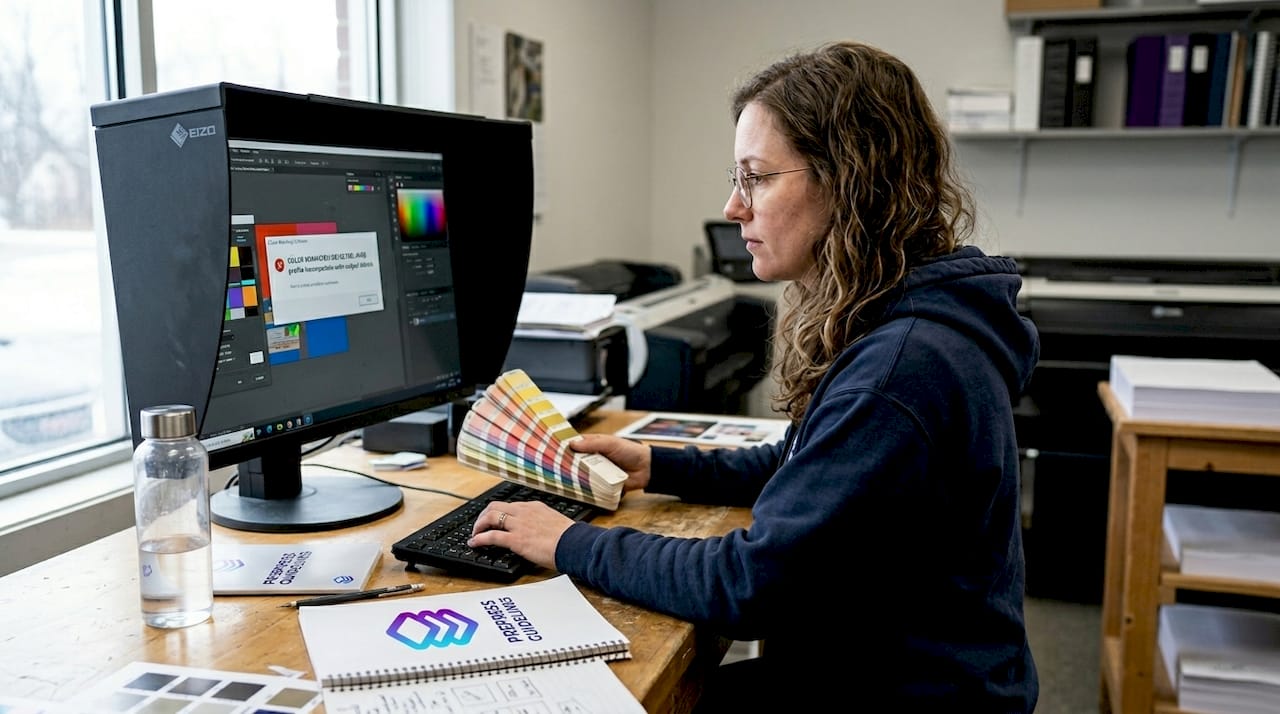
Pro Tip: When reviewing AI color accuracy examples from automation tools, pay attention to how the tool handles gradients. Gradients are notoriously difficult to separate cleanly, and that is where color drift most often occurs in production.
The print accuracy guide framework is worth bookmarking for your team. Understanding what tolerance levels are acceptable for different print methods helps you configure your automation tool correctly from day one.
Comparing design automation tools and methods
To make an informed choice, you need to see how automation stacks up against traditional methods in real print shop workflows. The table below breaks down the three main approaches.
| Factor | Manual | Partial automation | Full automation |
|---|---|---|---|
| Speed per file | 20 to 40 min | 5 to 10 min | Under 1 min |
| Error rate | High (human dependent) | Medium | Low (consistent) |
| Color accuracy | Variable | Improved | High (profile-matched) |
| Learning curve | Low (familiar tools) | Medium | Low to medium |
| Scalability | Poor | Moderate | Excellent |
| Best for | Solo freelancers, low volume | Small teams, mixed jobs | High-volume shops, teams |
Automated solutions outperform manual workflows in speed and error mitigation, especially as job volume increases. The gap between manual and full automation widens dramatically once you cross 20 or more jobs per day.
Partial automation, such as using a preflight plugin inside your existing design software, is a solid middle ground for smaller teams. It adds a safety net without requiring a full workflow overhaul. Full automation platforms handle everything from file ingestion to color separation to output delivery, making them ideal for efficient print workflows at scale.
"Partial automation is a great starting point, but shops that commit to full automation report the most dramatic improvements in both speed and client satisfaction."
The digital artwork automation process is also increasingly relevant for shops handling AI-generated designs from tools like Midjourney or ChatGPT. These files often have unusual color profiles or non-standard layer structures that trip up manual workflows. Full automation handles them without extra effort.
When to invest in design automation: Situational recommendations
Now that you have seen the options, here is how to decide if, when, and how much automation to adopt for your specific situation.
Automation is most valuable for high-volume or quality-critical print environments. But that does not mean smaller shops should wait. Here is a breakdown by situation:
- High-volume digital press operations: Full automation is essential. Processing 50 or more files per day manually is unsustainable and error-prone.
- Small teams needing error-proofing: Even a two-person shop benefits enormously from automated preflight and color checks. One reprint avoided pays for a month of software.
- Color-critical client work: Brands with strict color standards, such as retail chains or healthcare companies, require consistent Pantone matching that manual workflows cannot guarantee reliably.
- Scaling production without adding staff: If your job volume is growing but your budget does not allow new hires, automation lets your existing team handle more without burning out.
- Working with AI-generated designs: Files from Midjourney, DALL-E, or ChatGPT often need significant prep work. Automation handles the heavy lifting automatically.
Understanding print design industry terms like preflighting, color gamut, and bleed tolerance helps you communicate your needs clearly when evaluating tools. It also helps you configure automation settings correctly for your specific print methods.
Design validation automation is particularly valuable when you are onboarding new clients with unfamiliar file formats. Instead of spending an hour diagnosing why a client's PDF is not printing correctly, the system flags every issue instantly and tells you exactly what needs fixing.
The bottom line is straightforward. If print errors, slow turnarounds, or color inconsistencies are costing you time or clients, automation is not a luxury. It is a business necessity.
Take the next step: Automate your print design workflow
Everything covered in this article points to one practical conclusion: manual file prep is a bottleneck you do not have to live with. Automation tools exist today that handle color separation, Pantone matching, DPI validation, and bleed checks in seconds, not hours.
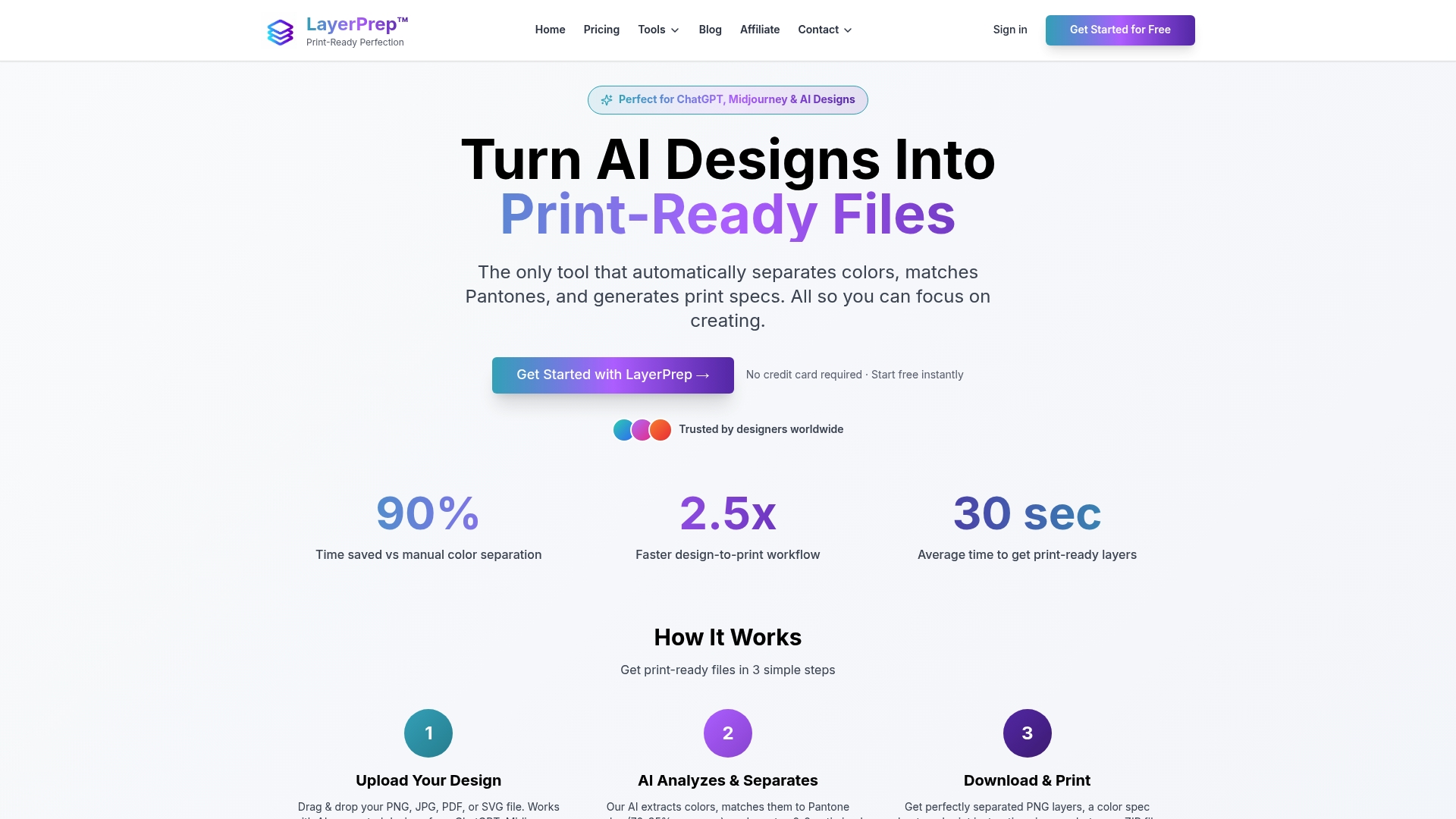
LayerPrep automation solutions are built specifically for print shops and graphic designers who need fast, accurate, print-ready files without the manual grind. LayerPrep accepts PNG, JPG, PDF, and SVG files up to 50MB, supports screen printing and DTF workflows, and delivers processed files in an average of 30 seconds. Whether you are a solo designer or running a full production team, LayerPrep scales with your workload. Visit LayerPrep today to see how automated file prep can cut your turnaround times and eliminate costly color errors from your production pipeline.
Frequently asked questions
What is design automation in print production?
Design automation uses software to prepare print files, check color profiles, and streamline approvals, minimizing manual steps and errors. Automation impacts all stages of prepress and file setup, from initial upload to final output.
How does automation improve print color accuracy?
Automation tools auto-correct color profiles and validate files against Pantone libraries, ensuring consistent color results across every job. Color profile checking is a core feature that removes the guesswork from color-critical production.
Can small print shops benefit from automation?
Yes, automation tools are scalable and help small teams save significant time while reducing costly print errors. Automation is valuable for any team size, and the ROI is often fastest for smaller shops where one reprint represents a large percentage of job margin.
What tasks can be automated in file preparation?
Preflighting, file conversion, color profile matching, DPI validation, and bleed checks are all commonly automated in modern print workflows. Preflighting and file checks are the highest-impact tasks to automate first because they catch the most frequent and costly errors.