
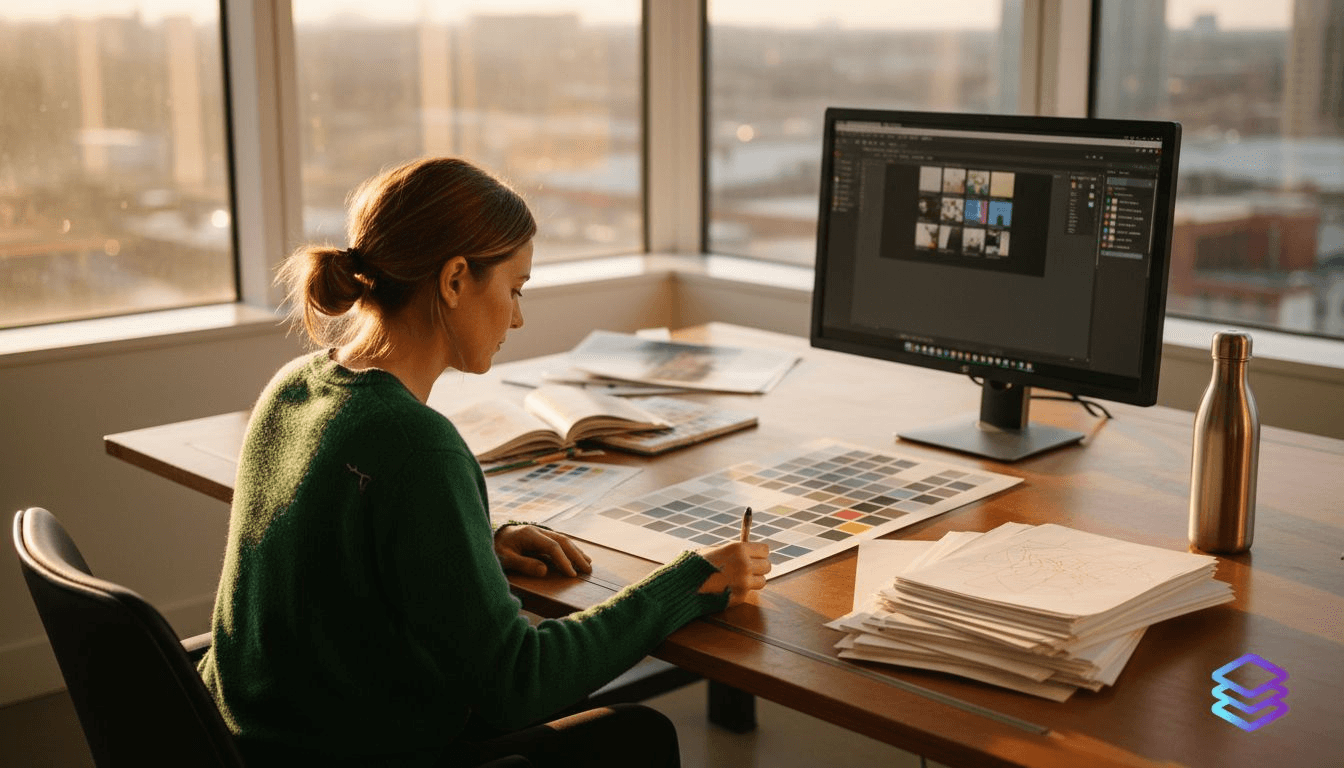
AI-generated designs have revolutionized creative workflows, but selecting outputs that meet professional print standards requires understanding specific evaluation criteria. Print professionals now face the challenge of integrating AI tools that deliver both creative innovation and print readiness. This guide provides actionable examples and comparisons to help you evaluate AI-generated designs for color accuracy, typography quality, and production efficiency.
Table of Contents
- Evaluating AI-generated print designs: must-have criteria
- Powerful AI tools for generating print-ready designs in 2026
- Common challenges in AI-generated print design and how to address them
- Comparing top AI-generated print design examples: features, strengths, and use cases
- Enhance your print design workflow with LayerPrep
Key takeaways
| Point | Details |
|---|---|
| AI designs must excel in color accuracy, print fidelity, and adaptability to printing conditions | Effective AI tools deliver outputs optimized for various ink types and substrates |
| Popular AI tools include DesignDiffusion, Stable Diffusion with ControlNet, and Sivi Gen-3 | Each offers unique strengths from creative synthesis to component-based editability |
| Typography and color management remain key challenges for AI print outputs | Most AI models train on screen-focused datasets, missing real-world print conditions |
| Adaptive AI color management enhances fidelity and reduces waste | Real-time gamut mapping and defect detection optimize ink usage and quality |
| Testing AI-generated typography for readability across print and web is crucial | Only 5 of 217 tested pairings maintain legibility across multiple mediums |
Evaluating AI-generated print designs: must-have criteria
Selecting AI-generated designs for print production demands a focused approach to quality criteria. Color accuracy stands as the foundation of print success. AI's role in color management transforms traditional deterministic methods into adaptive systems that perform real-time gamut mapping, defect detection, and ink optimization. This shift enables print shops to achieve consistent results across different substrates and printing methods.
Print media optimization separates successful AI outputs from screen-focused designs. You need AI tools that understand the physical constraints of ink on paper, including dot gain, ink spread, and substrate absorption. The best AI models generate designs accounting for these variables rather than requiring extensive post-processing.
Typography evaluation requires careful attention to readability factors specific to print production. Check for adequate contrast ratios that survive the transition from backlit screens to reflected print surfaces. Verify that letter spacing accommodates ink spread without compromising legibility. Consider how fine details render at typical print resolutions and viewing distances.
Proof simulation capabilities within AI tools accelerate quality control workflows. Look for systems that preview how designs appear under different lighting conditions and on various paper stocks. Automated defect detection catches issues before they reach the press, saving time and materials.
The relevance of training data determines an AI model's print performance. Models trained primarily on digital imagery struggle with print-specific requirements. Seek tools developed with print production datasets or those offering fine-tuning for your specific printing methods. When you streamline digital artwork print process, matching AI capabilities to your production needs becomes essential.
Pro Tip: Create a checklist of your most common print specifications (substrate types, color profiles, resolution requirements) and test AI tools against these criteria before committing to a workflow integration.
Key evaluation factors include:
- Color accuracy with adaptive calibration for different ink systems
- Output optimization for offset, digital, screen printing, or DTF methods
- Typography designed for print readability and ink trap compatibility
- Automated proof simulation reducing physical sample requirements
- Training data relevance to your specific print production environment
Powerful AI tools for generating print-ready designs in 2026
Three AI platforms lead the field for print-ready design generation, each offering distinct advantages for professional workflows. DesignDiffusion achieves state-of-the-art design image generation from textual descriptions, making it ideal for conceptualizing creative print projects rapidly. This tool excels at translating abstract design briefs into visual outputs that serve as strong starting points for print production.
Stable Diffusion paired with ControlNet technology delivers precise control over generated outputs. The Stable Diffusion-ControlNet pipeline generates custom artwork with specific controls for printed products, allowing designers to maintain consistency across design variations. This combination proves valuable when you need reproducible results or want to iterate on a design while maintaining core elements.
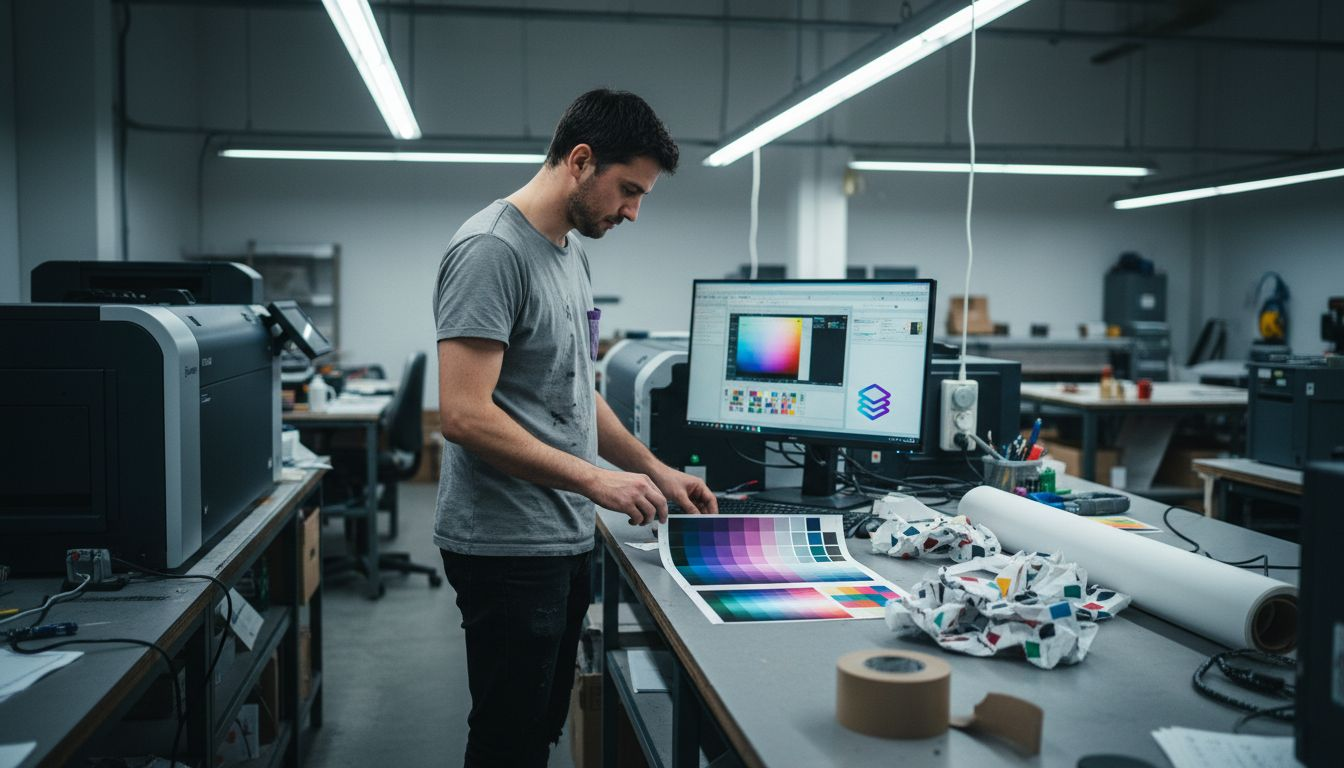
Sivi Gen-3 takes a different approach by emphasizing editable, component-based outputs. The Sivi Gen-3 advanced design engine creates ad and print materials using an agentic workflow that understands fundamental design principles like hierarchy, balance, and visual flow. This component-level editability means you can adjust individual elements without regenerating entire designs, crucial for client revisions and production adaptations.
These tools support rapid creation while respecting print production constraints. They generate high-resolution outputs suitable for professional printing, maintain color profiles compatible with CMYK workflows, and produce vector elements when appropriate for scalability. Understanding efficient print files and layers helps you evaluate whether AI outputs meet your technical requirements.
Each platform addresses different workflow needs:
- DesignDiffusion for exploratory creative development and concept visualization
- Stable Diffusion with ControlNet for controlled, reproducible design variations
- Sivi Gen-3 for editable, production-ready marketing and print materials
- All three support rapid iteration reducing time from concept to press
- Integration capabilities vary, requiring evaluation against existing design software
The choice between platforms depends on your specific production requirements, existing workflow infrastructure, and the level of post-generation editing your projects typically require.
Common challenges in AI-generated print design and how to address them
AI models face significant limitations when generating designs for print production. Most training datasets emphasize screen-based design, creating a fundamental disconnect from physical printing realities. This gap manifests in color accuracy issues, inappropriate contrast levels, and typography that looks sharp on screen but fails in print.
Typography presents the most persistent challenge. AI-generated typography pairings prioritize novelty over readability, with only 5 of 217 tested pairings maintaining legibility across multiple mediums. The problem intensifies when designs must perform in both print and digital contexts, or when printed materials will be viewed under varying lighting conditions.
Ink spread and paper characteristics remain largely invisible to AI systems. Uncoated papers absorb ink differently than coated stocks, causing fine details to blur or fill in. AI tools trained on perfect digital renders cannot anticipate these physical transformations. You must account for dot gain, ink trap requirements, and minimum line weights that survive the printing process.
Dataset bias affects every aspect of AI-generated print design. Models learn from predominantly RGB color spaces, digital typography optimized for screen rendering, and layouts designed for backlit viewing. These biases require active compensation through testing, manual adjustment, and integration with print-specific validation tools.
"AI-generated designs demand rigorous multi-medium testing before committing to print production. What appears flawless on screen often reveals critical flaws when rendered with physical ink on paper."
Addressing these challenges requires structured workflows:
- Test all AI outputs in simulated print conditions before production
- Apply WCAG 2.1 AA contrast standards as minimum requirements
- Account for ink spread by increasing stroke weights and letter spacing
- Validate color accuracy using calibrated print profiles, not screen displays
- Maintain human oversight for final quality assurance and technical verification
Pro Tip: Build a reference library of successfully printed AI-generated designs with notes on required adjustments. This documentation accelerates future projects and trains your eye for spotting potential print issues in AI outputs.
Understanding print design terminology helps you communicate specific technical requirements when evaluating and adjusting AI-generated designs.
Comparing top AI-generated print design examples: features, strengths, and use cases
Direct comparison reveals how different AI tools serve distinct print production needs. Each platform brings unique capabilities that align with specific workflow requirements and production priorities.
| Feature | DesignDiffusion | Stable Diffusion + ControlNet | Sivi Gen-3 |
|---|---|---|---|
| Primary strength | Creative image synthesis | Precise control and repeatability | Component-based editability |
| Color accuracy | Good for concepts, requires validation | Customizable with proper prompting | Design principles built in |
| Print workflow integration | Requires external tools | Custom artwork pipeline available | Native export options |
| Typography quality | Variable, needs testing | Controllable but requires expertise | Follows hierarchy principles |
| Best use case | Rapid concept development | Reproducible product designs | Marketing materials and ads |
| Learning curve | Moderate | Steep | Low to moderate |
DesignDiffusion excels in early creative stages where exploration matters more than production precision. It generates diverse concepts quickly, allowing you to present multiple directions to clients before investing in detailed development. However, outputs typically require significant refinement for print production.
Stable Diffusion with ControlNet provides the control serious print professionals need. The pipeline supports specific adjustments for printed physical products, making it valuable for product packaging, merchandise design, and branded materials requiring consistency. The learning curve is steeper, but mastery delivers reproducible, controllable results.
Sivi Gen-3 bridges creative generation and practical editing. Its component-based approach means you can adjust individual design elements without regenerating the entire composition. This capability proves essential for client revisions and adapting designs across different print formats or sizes.
When optimizing print workflow, consider how each tool integrates with your existing systems. Some require extensive post-processing in traditional design software, while others export files closer to production-ready specifications.
Your choice depends on balancing creative flexibility against production efficiency. Projects requiring extensive client collaboration benefit from editable outputs. High-volume production with consistent branding needs the repeatability of controlled generation. Exploratory creative work thrives with synthesis-focused tools.
Enhance your print design workflow with LayerPrep
AI-generated designs deliver creative power, but transforming them into production-ready files remains challenging. LayerPrep bridges this gap with AI-powered color separation optimized specifically for print fidelity and workflow efficiency.
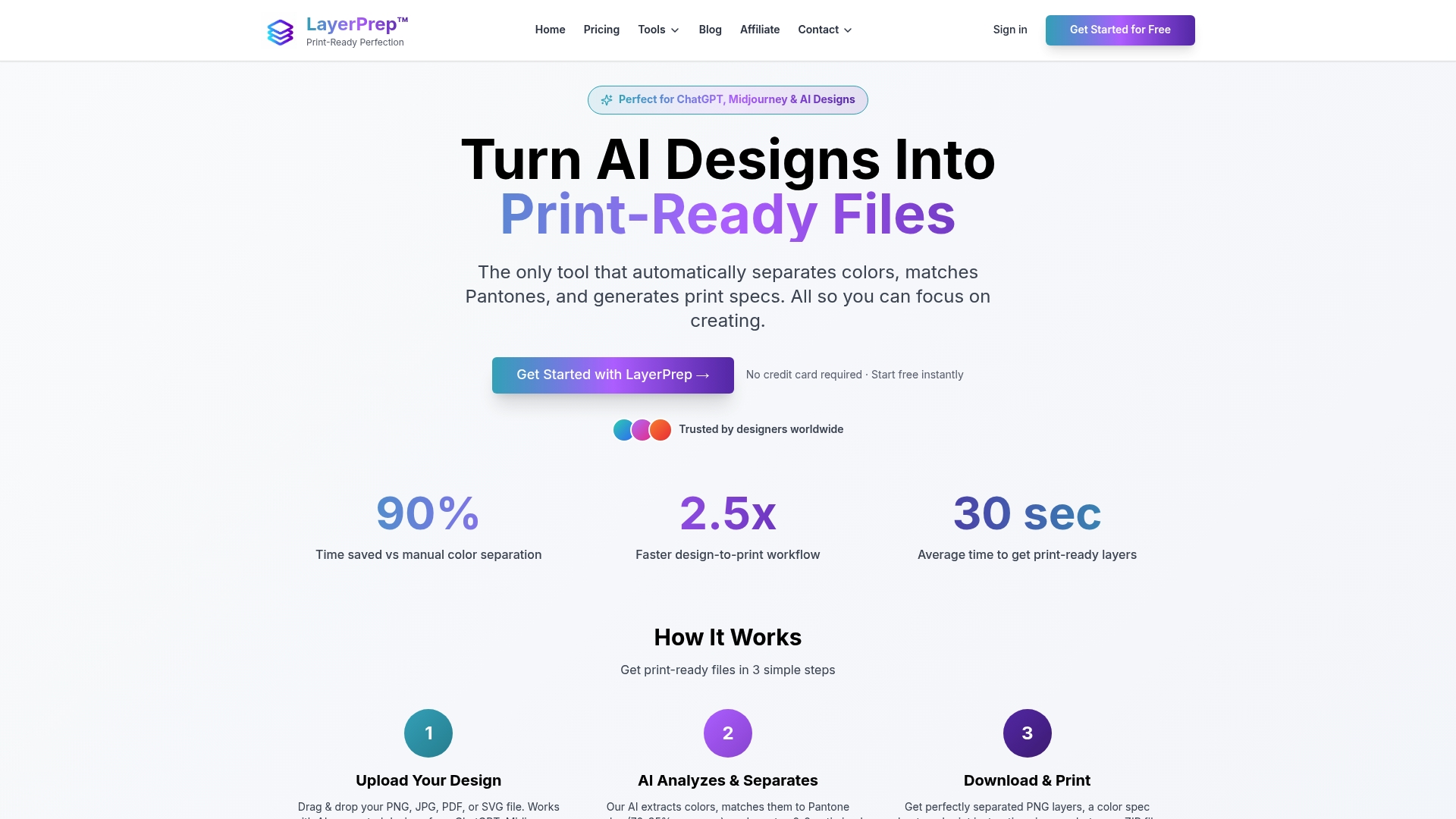
The platform integrates seamlessly with outputs from DesignDiffusion, Stable Diffusion, Sivi Gen-3, and other AI design tools. Upload your AI-generated artwork and LayerPrep automatically separates colors, extracts Pantone matches with 70-95% accuracy, validates DPI resolution, and checks bleed specifications. This automation eliminates hours of manual layer work while ensuring color accuracy in final prints.
For print professionals embracing AI design tools, LayerPrep provides the critical link between creative generation and production reality. The service handles complex gradients, large files up to 50MB, and various formats including PNG, JPG, PDF, and SVG. Average processing time of 30 seconds means you move from AI concept to print-ready files faster than traditional workflows.
Pro Tip: Combine LayerPrep with your preferred AI design tool to create an end-to-end workflow that minimizes manual corrections, reduces material waste from color mismatches, and accelerates project turnaround from concept to finished print.
Frequently asked questions
What are the best AI tools for creating print-ready designs?
DesignDiffusion, Stable Diffusion with ControlNet, and Sivi Gen-3 lead for print applications in 2026. DesignDiffusion excels at creative concept generation, Stable Diffusion with ControlNet provides precise control for reproducible outputs, and Sivi Gen-3 offers component-based editing ideal for marketing materials. Each tool requires different levels of post-processing to achieve true print readiness.
How can I ensure AI-generated typography is readable in print?
Test typography using WCAG 2.1 AA contrast checkers at small sizes and in dark mode to verify contrast degradation. Emulate different lighting conditions and paper stocks before committing to print. Adjust letter spacing and stroke weights to account for ink spread based on your specific printing method and substrate.
What print design issues can AI tools not fix yet?
Dataset bias means AI models train mostly on screen-focused content, missing real-world conditions like offset printing or coated papers. Ink spread, paper texture, and coating effects require manual correction or specialized software like color separation tools. Human expertise remains essential for final quality assurance, particularly for color-critical work or specialty printing techniques.
How do I test AI-generated designs before printing?
Create proof simulations using calibrated monitors and print profiles matching your production specifications. Generate small-scale test prints on actual production substrates to verify color accuracy and detail reproduction. Compare outputs against physical color standards like Pantone books rather than relying on screen appearance. Document any adjustments needed so you can apply similar corrections to future AI-generated designs.
Can AI design tools handle specialty printing methods?
Most AI tools generate designs optimized for standard CMYK printing. Specialty methods like screen printing, DTF, foil stamping, or spot color work require additional processing. You need color separation software to convert AI outputs into the specific layers and color channels these methods demand. The creative content works well, but technical preparation for specialty printing still requires human expertise and appropriate tools.