

Print shops and designers often face delays, costly reprints, and errors due to inefficient workflows. An optimized print design workflow accelerates turnaround and improves quality while reducing waste. This guide walks you through proven steps to streamline your print preparation process, from file setup and preflight checks to choosing the right printing methods and implementing automation. You'll learn how to prepare files correctly, optimize imposition, and leverage tools that catch errors before they reach the press. By mastering these workflow essentials, you'll deliver faster results with fewer mistakes and lower costs.
Table of Contents
- Understanding print design workflow essentials
- Step-by-step file preparation and optimization
- Choosing and optimizing print methods for efficiency and quality
- Implementing workflow automation and quality control
- Optimize your print design workflow with LayerPrep
- Frequently asked questions
Key takeaways
| Point | Details |
|---|---|
| Efficient prepress processes | Minimize errors and speed production through systematic file preparation and quality checks. |
| File preparation standards | Ensure resolution, bleeds, and color modes meet print specifications before submission. |
| Automated preflight tools | Combine automated checks with human review to catch issues early and reduce reprints. |
| Method selection matters | Choose digital or offset printing based on volume, quality needs, and budget constraints. |
| Workflow automation benefits | Reduce manual tasks, optimize imposition, and improve consistency across print runs. |
Understanding print design workflow essentials
A solid print design workflow starts with understanding key terminology and file requirements. Print-ready files require specific attributes: proper resolution of 300 DPI for quality output, bleeds extending 0.125 inches beyond trim lines, and correct color modes like CMYK for offset printing or RGB for digital methods. These specifications ensure your designs translate accurately from screen to paper.
Color management plays a central role in consistent output across devices. Without proper color profiles and calibration, what looks vibrant on your monitor may print dull or off-brand. Effective prepress setups use file management software, preflight tools, color management systems, and workflow automation rather than relying on single solutions. This multi-tool approach catches errors at different stages and maintains quality standards.
Modern prepress workflows combine automated and human quality checks. Automated tools scan files for technical issues like missing fonts or low resolution, while human review catches design problems that software might miss. Understanding essential print design terminology helps you communicate clearly with printers and colleagues.
Key workflow components include:
- File management systems that organize assets and track versions
- Preflight software that validates technical specifications
- Color management tools that ensure consistent reproduction
- Proofing systems that preview final output before printing
- Automation platforms that streamline repetitive tasks
These tools work together to create a robust system that reduces errors and speeds production. The goal is catching problems early when they're cheap to fix rather than discovering them on press when corrections cost significantly more.
Step-by-step file preparation and optimization
Preparing files correctly prevents costly mistakes and ensures smooth production. Prepress production involves file review, preflight, proofing, printer's marks, imposition and pagination, and RIP output for offset printing. Each step serves a specific purpose in catching errors and optimizing files for the press.
Start with thorough file review. Open your design files and verify all elements are present, fonts are embedded or outlined, and images are linked correctly. Check that your document size matches the final trim size plus bleeds. This initial review catches obvious issues before automated checks begin.
Next, run preflight checks using specialized software. These tools scan for technical problems like incorrect color spaces, missing bleeds, low-resolution images, or transparency issues that can cause printing errors. Preflight software generates detailed reports highlighting every issue that needs correction. Address each problem systematically, starting with critical errors that would prevent printing.
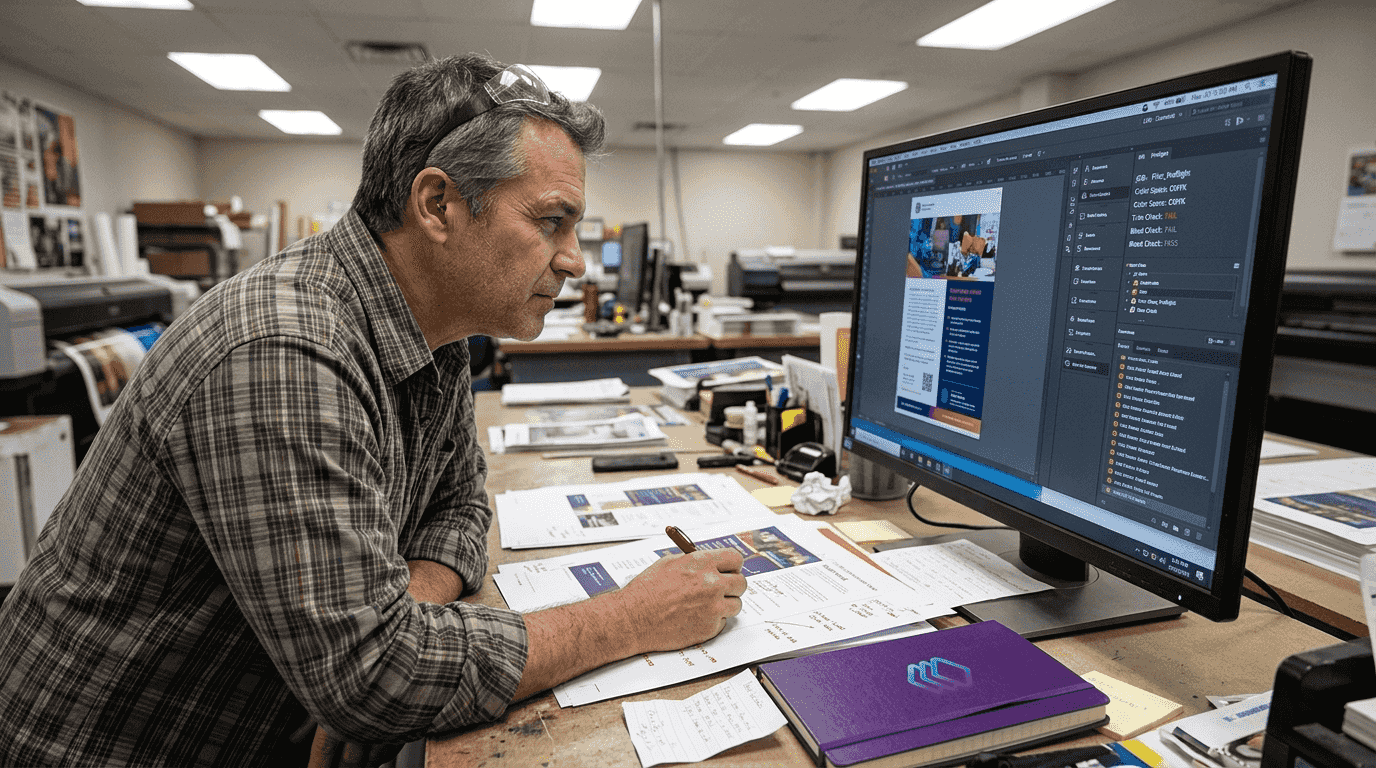
Pro Tip: Use automated preflight tools to catch common errors early and save time, but always follow up with manual inspection of critical design elements.
After preflight, add printer's marks including crop marks, registration marks, and color bars. These guides help press operators align sheets correctly and monitor color consistency during the run. Position marks outside the bleed area so they don't interfere with your design.
Optimize pagination and imposition next. Imposition arranges multiple pages on larger sheets to minimize paper waste and reduce costs. For booklets or multi-page documents, proper imposition ensures pages print in the correct sequence when folded and trimmed. Gang-run printing, where multiple jobs share the same sheet, can significantly reduce per-unit costs for smaller runs.
Create proofs to verify everything looks correct before committing to the full run. Soft proofs on calibrated monitors work for quick checks, but hard proofs printed on similar stock provide the most accurate preview. Review proofs carefully for color accuracy, alignment, and any unexpected issues.
Different print methods require specific preparation approaches. Digital printing typically needs RGB files and handles variable data easily, making it ideal for personalized materials. Offset printing requires CMYK files, separated plates, and more extensive setup, but delivers superior quality and consistency for large runs. Understanding these differences helps you prepare files correctly for your chosen method.
Combine automated efficiency with human judgment. While software catches technical errors reliably, experienced eyes spot design problems, readability issues, or branding inconsistencies that algorithms miss. This dual approach creates the most reliable quality control system for flawless files.
Choosing and optimizing print methods for efficiency and quality
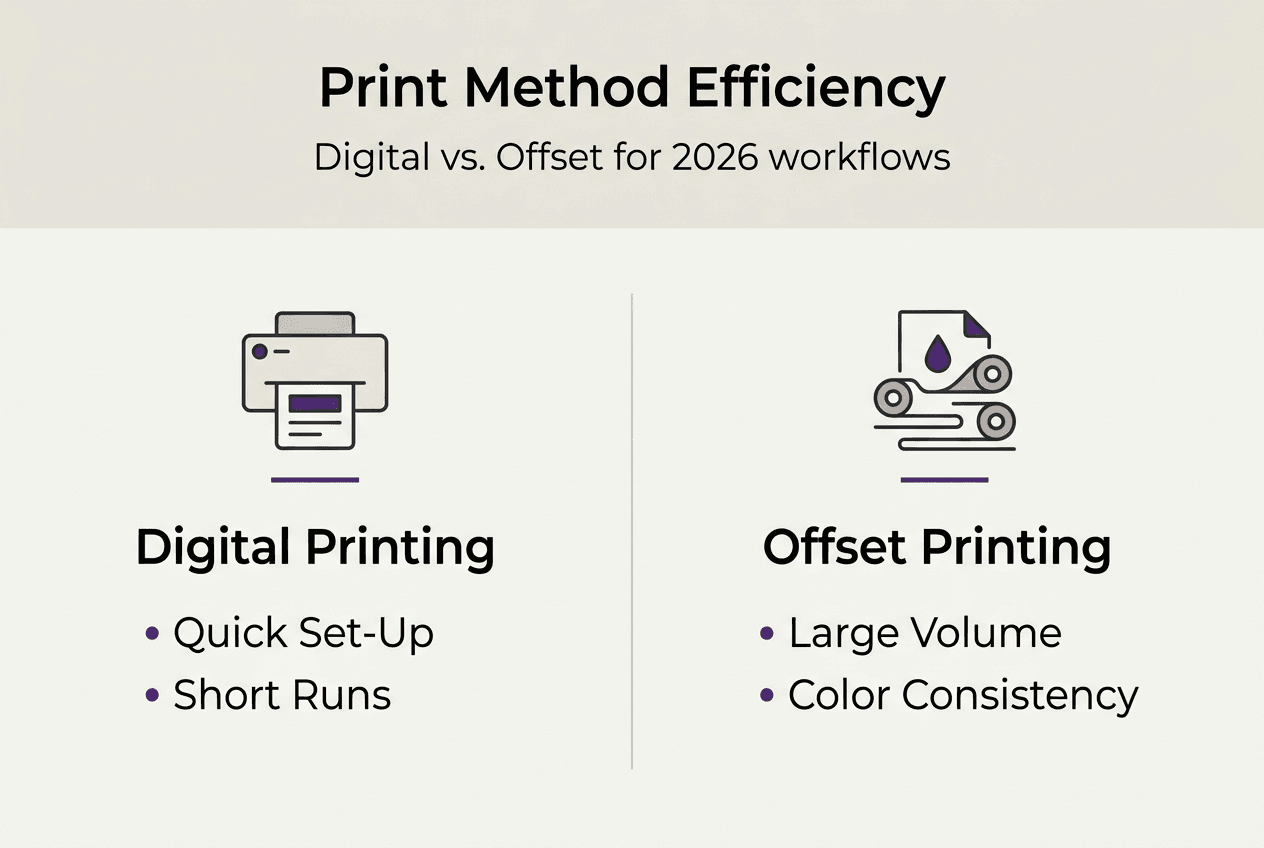
Selecting the right printing method impacts both quality and cost efficiency. Digital printing offers flexibility and speed, but offset printing remains superior for large-scale projects where precision and color accuracy are critical. Understanding the trade-offs helps you make informed decisions.
| Factor | Digital Printing | Offset Printing |
|---|---|---|
| Cost per unit | Higher for large runs | Lower at volume |
| Setup time | Minimal | Extensive plate creation |
| Color accuracy | Good, variable | Excellent, consistent |
| Ideal volume | Under 2,800 units | Over 2,800 units |
| Customization | Easy variable data | Fixed content |
Offset printing becomes cost-effective at approximately 2,800 units for standard folding cartons when factoring in plate and make-ready costs. Below this threshold, digital printing typically offers better value despite higher per-unit costs. This break-even point varies based on project complexity, paper stock, and finishing requirements.
Digital printing excels for short runs, quick turnarounds, and projects requiring variable data like personalized marketing materials. Modern digital presses produce excellent quality and handle complex files efficiently. You can print exactly the quantity needed without waste, making it perfect for test runs or limited editions.
Offset printing delivers unmatched color consistency and quality for large runs. Once plates are made and the press is dialed in, every sheet matches perfectly. This consistency matters for brand-critical materials where color accuracy is non-negotiable. Offset also handles specialty inks, varnishes, and unique paper stocks better than digital methods.
Gang-run printing reduces costs by combining multiple jobs on the same sheet. Print shops fill sheets efficiently, spreading setup costs across several projects. This approach works well for smaller jobs that don't justify dedicated press time. However, you sacrifice some control over timing and may need to wait for the shop to accumulate enough jobs to fill a sheet.
Consider these criteria when selecting your printing method:
- Run size and whether you need exact quantities or can accept overruns
- Color accuracy requirements and acceptable tolerance levels
- Timeline constraints and whether you can wait for setup
- Budget limitations and cost per unit targets
- Special requirements like variable data, specialty inks, or unique stocks
Pro Tip: For brand-critical color, specify Delta E tolerances tailored to your printing technology, as offset typically achieves tighter tolerances than digital methods.
Match your file preparation to the chosen method. Digital printing needs RGB files optimized for the specific press, while offset requires CMYK separations with proper trapping and overprints. Understanding these technical requirements prevents delays and ensures optimal results from your selected printing process.
Implementing workflow automation and quality control
Automation tools transform prepress operations by reducing errors and accelerating production. AutoImp automates quality control, preflight checking, sheet optimization, and imposed PDF creation, saving over 10% in costs through improved efficiency. These systems handle repetitive tasks consistently while freeing staff for higher-value work.
Key automation tools streamline different workflow stages. Preflight automation scans incoming files against predefined standards, flagging issues immediately. Proofing automation generates soft proofs and routes them to appropriate reviewers based on project type. Imposition software calculates optimal sheet layouts, minimizing waste and reducing material costs. These tools work together to create an efficient, error-resistant workflow.
| Workflow Stage | Manual Process Time | Automated Process Time | Error Reduction |
|---|---|---|---|
| File preflight | 15-30 minutes | 2-5 minutes | 85% fewer errors |
| Proof generation | 20-40 minutes | 5-10 minutes | 90% consistency |
| Sheet imposition | 30-60 minutes | 5-15 minutes | 95% optimization |
Automating repetitive tasks eliminates human errors from fatigue or distraction. Software applies the same checks consistently to every file, catching issues that tired eyes might miss. This reliability becomes especially valuable during high-volume periods when manual checking becomes impractical.
Effective prepress processes create competitive advantages through faster turnaround times, fewer reprints, and consistent quality, allowing print shops to take on more work without proportionally increasing staff.
Best practices for integrating automation include starting with your most time-consuming or error-prone processes. Implement one system at a time, ensuring staff understand how to use it effectively before adding more tools. Document standard procedures so everyone follows the same workflow. Monitor results to verify automation delivers expected benefits and adjust settings as needed.
Connect automated systems for maximum efficiency. When preflight software detects issues, it should automatically notify the appropriate person and pause the job until corrections are made. Approved files should flow directly to imposition without manual intervention. This seamless integration eliminates delays and reduces the chance of files bypassing quality checks.
Pro Tip: Regularly update automation tools and workflows to keep efficiency gains, as software improvements and new features can further streamline your operations.
Training staff on automated systems ensures you realize their full potential. Team members need to understand not just how to operate the software, but when to override automated decisions and apply human judgment. The best workflows combine automation's consistency with human expertise for complex or unusual projects.
Measure automation impact through key metrics like setup time reduction, error rates, material waste, and overall throughput. Track these numbers before and after implementation to quantify benefits and justify investment. Most shops see payback within months through reduced labor costs and fewer reprints.
Integrate quality control checkpoints throughout your automated workflow. While automation handles routine verification, schedule human reviews at critical stages like final proof approval or first-sheet inspection. This layered approach catches both technical errors and design issues, ensuring consistent quality across all print production workflows.
Optimize your print design workflow with LayerPrep
Ready to take your print workflow to the next level? LayerPrep offers AI-powered automation specifically designed for print shops and graphic designers. The platform automatically separates colors and extracts Pantone matches with 70-95% accuracy, dramatically reducing the manual work required to prepare print-ready files.
LayerPrep handles complex gradients, validates DPI resolution, and checks bleed specifications in an average of 30 seconds. It accepts PNG, JPG, PDF, and SVG files up to 50MB, making it perfect for both AI-generated designs and traditional artwork. Whether you're preparing files for screen printing, DTF, or other methods, LayerPrep's AI color separation tool streamlines your workflow while improving accuracy and consistency across projects.
Frequently asked questions
How can I ensure my files meet print readiness standards?
Run comprehensive preflight checks using specialized software that validates resolution, color modes, bleeds, and font embedding. Combine automated scanning with human review of critical elements like color accuracy and design intent. Follow your printer's specific file preparation guidelines and request a proof before committing to the full run.
What printing method is best for small vs. large print runs?
Digital printing works best for runs under 2,800 units, offering quick turnaround and minimal setup costs. Offset printing becomes more economical above this threshold, delivering superior color consistency and lower per-unit costs despite higher setup expenses. Consider your quality requirements, timeline, and budget when choosing between printing methods.
How does workflow automation impact print quality and turnaround?
Automation minimizes human error by applying consistent quality checks to every file, catching issues before they reach the press. Automated preflight, proofing, and imposition reduce manual checking time by 70-85%, allowing faster turnaround without sacrificing quality. This efficiency enables shops to handle higher volumes while maintaining consistent output standards.