
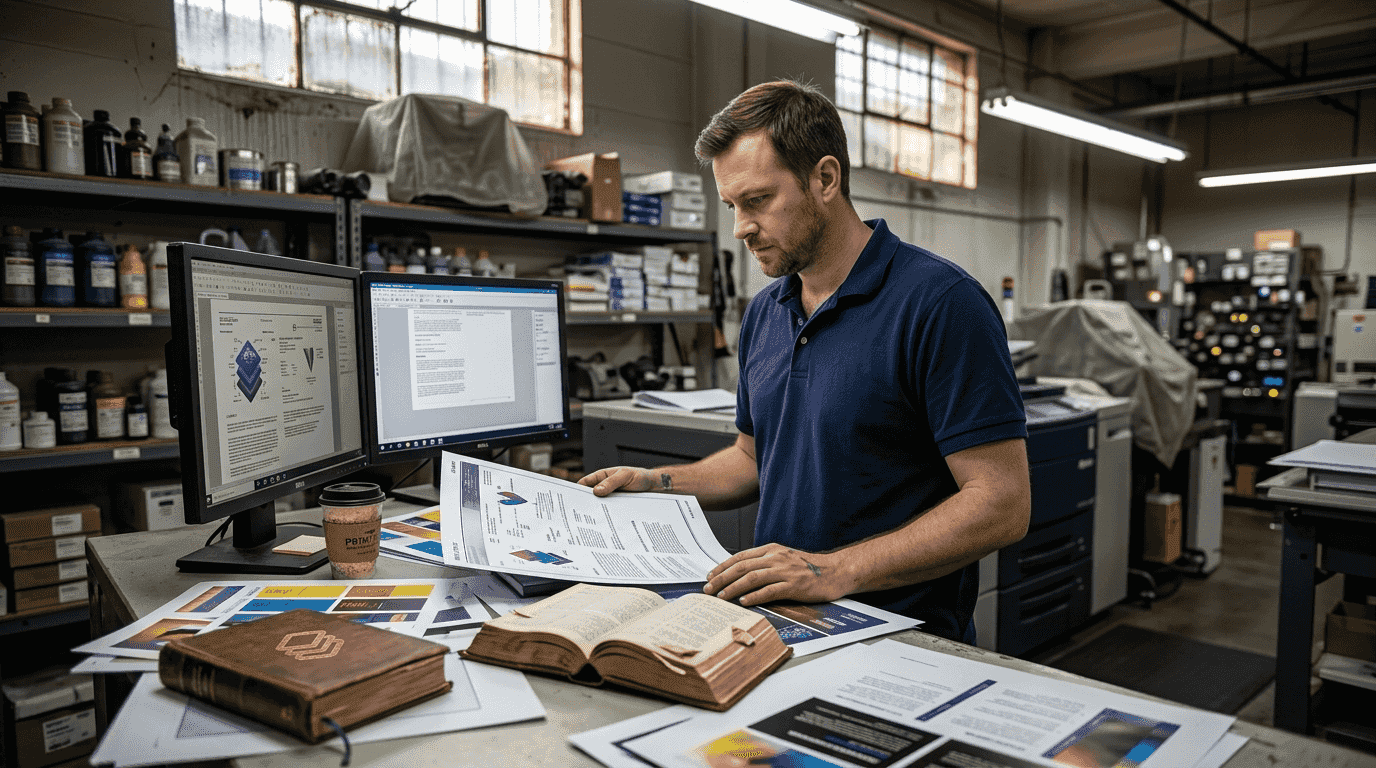
Up to 30% of print files fail validation checks, causing delays that can stretch production timelines by 48 hours or more. For print shops and designers working under tight deadlines, these failures translate to lost revenue, frustrated clients, and wasted materials. Print validation is the essential process that catches these errors before they reach the press, ensuring every file meets technical standards for color accuracy, resolution, and layout specifications. This guide will walk you through what print validation is, why it matters for your workflow, and how to implement effective validation checks that eliminate costly reprints and speed up turnaround times.
Table of Contents
- Understanding print validation: what it is and why it matters
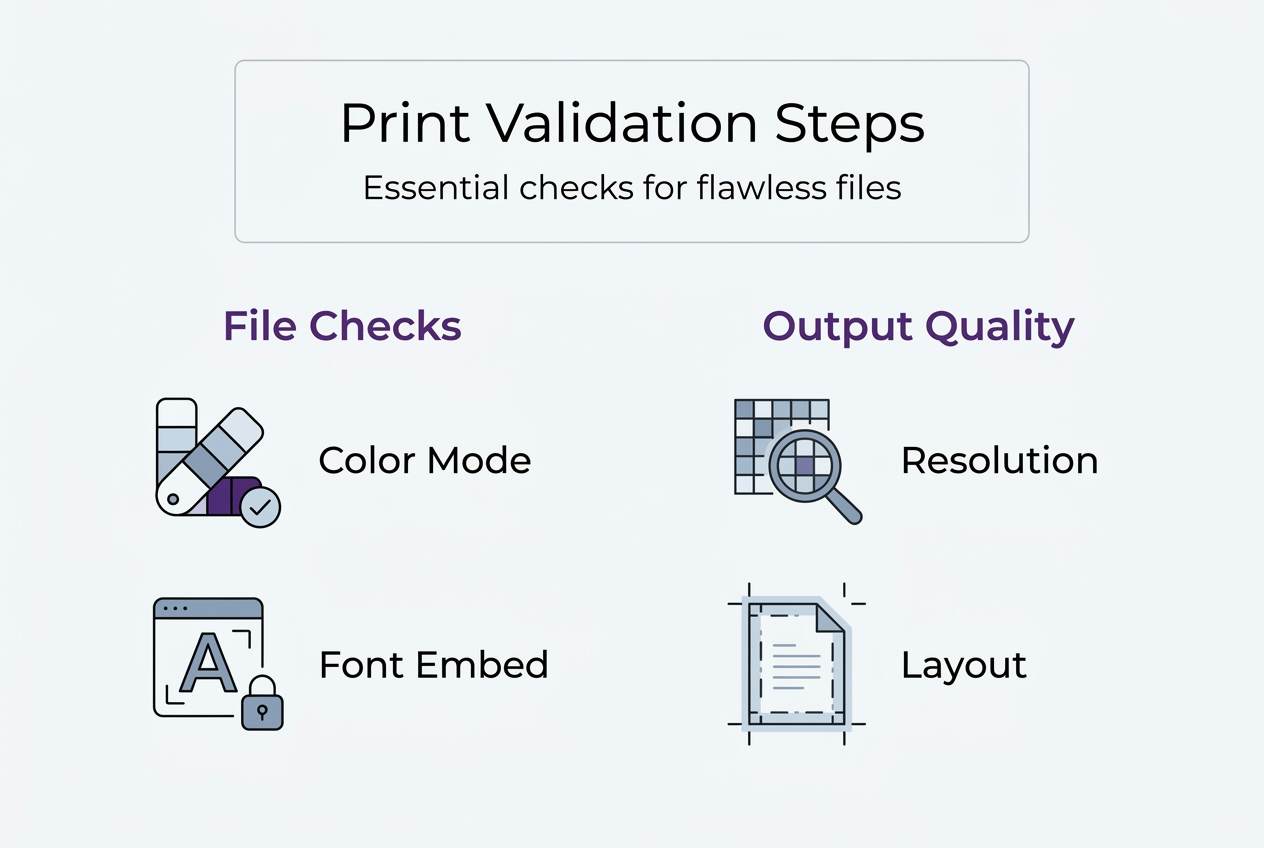
- Core elements of print validation: color, fonts, resolution, and layout
- How automated preflight tools and soft proofing boost print validation
- Implementing effective print validation in your workflow
- Enhance your print validation with LayerPrep's AI tools
Key takeaways
| Point | Details |
|---|---|
| High failure rates | Up to 30% of print files fail validation, causing costly production delays and reprints |
| Automated validation | Modern preflight tools catch errors instantly at upload, reducing manual inspection time by 80% |
| Critical checks | Color accuracy, embedded fonts, 300+ DPI resolution, and proper bleed are essential validation points |
| Soft proofing benefits | Digital proofs reduce physical proof costs by up to 50% while maintaining color confidence |
| Workflow integration | Early validation checks save significantly more than fixing errors during production |
Understanding print validation: what it is and why it matters
Print validation is the systematic process of checking digital files against technical and quality standards before they go to production. It verifies that every element, from color spaces to font embedding, meets the specific requirements of your printing method and equipment. Think of it as quality control that happens before ink touches paper, catching problems when they're cheapest and easiest to fix.
The stakes are higher than many designers realize. Up to 30% of files fail validation, leading to production delays that ripple through schedules and budgets. Common culprits include missing fonts that cause text to reflow unexpectedly, RGB color spaces that print differently than they appear on screen, images below 300 DPI that look pixelated, and missing bleed areas that create white edges after trimming.
These errors cost real money. A job that needs to be reprinted consumes materials, press time, and labor twice. Rush fees pile up when delays push against deadlines. Client relationships suffer when promised delivery dates slip. The shift from manual inspection to automated preflighting has transformed how professionals approach this challenge, moving from reactive problem solving to proactive error prevention.
"Catching errors at the file preparation stage costs pennies compared to discovering them on press, where every minute of downtime can cost hundreds of dollars in lost productivity."
Modern validation workflows integrate checks directly into file upload systems, providing instant feedback that lets designers fix issues immediately. This approach aligns perfectly with the demands of today's print production environment, where turnaround times have compressed and quality expectations have risen. Understanding your print readiness requirements is the first step toward building a validation process that protects your business from costly mistakes.
The benefits extend beyond error prevention. Automated validation creates consistency across jobs, ensures all team members follow the same standards, and builds client confidence through reliable quality. When validation becomes a standard part of your workflow rather than an occasional check, you transform it from a defensive measure into a competitive advantage.
Core elements of print validation: color, fonts, resolution, and layout
Color management stands as the most critical validation element because color discrepancies are immediately visible and difficult to correct after printing. Professional print validation confirms files use CMYK color space rather than RGB, verifies ICC profiles match your printing equipment, and checks that spot colors are properly defined. Preflighting software identifies color mode errors along with missing fonts and incorrect formats, catching issues that would otherwise cause production failures.

Font handling requires careful attention because missing or unembedded fonts can completely destroy a design's appearance. Validation checks confirm all fonts are embedded in the file, verifies that font licenses permit embedding, and ensures transparency effects are properly flattened. When fonts aren't embedded, printers substitute similar typefaces that rarely match the designer's intent, leading to reflows, spacing issues, and broken layouts.
Resolution standards directly impact print quality, with images requiring 300 DPI or higher for professional output. Validation tools scan every image in your file, flag anything below the minimum threshold, and identify oversized files that could slow processing. Lower resolution images that look acceptable on screen often print with visible pixelation, jagged edges, and loss of fine detail.
Layout validation ensures your file dimensions match the final product specifications:
- Bleed extends 0.125 inches beyond trim lines to prevent white edges
- Safety margins keep important elements away from trim areas
- Crop marks and registration marks are properly positioned
- Page orientation matches the intended output format
Pro Tip: Check font embedding and flatten transparency effects before submitting files for validation. These two issues account for the majority of last minute production delays and are easily preventable with proper file preparation.
| Common Issue | Print Impact | Prevention Method | | --- | --- | | RGB color mode | Colors shift unexpectedly, often appearing duller or different hues | Convert to CMYK early and use ICC profiles | | Low resolution images | Pixelated, blurry output with visible artifacts | Ensure all images are 300 DPI minimum at final size | | Missing fonts | Text reflows, spacing changes, design breaks completely | Embed all fonts or convert text to outlines | | Insufficient bleed | White edges appear after trimming | Add 0.125 inch bleed on all sides | | Transparency issues | Unexpected color shifts, missing elements, white boxes | Flatten transparency before export |
Understanding color accuracy requirements helps you prepare files that pass validation on the first attempt. Similarly, knowing the specific digital artwork print specifications for your printing method ensures you're checking the right elements during validation.
How automated preflight tools and soft proofing boost print validation
Automated preflight software has revolutionized print validation by checking files against predefined standards in seconds rather than hours. These tools significantly reduce errors and turnaround times by automatically scanning for issues the moment a file is uploaded. They examine every aspect of a file simultaneously, from color spaces and fonts to resolution and bleed, providing instant feedback that lets designers make corrections before submitting to production.
The integration of preflight checks into upload workflows creates a safety net that catches problems at the optimal moment. When a designer uploads a file to a print portal, automated validation runs immediately, generating a detailed report of any issues found. This instant feedback loop prevents files with errors from entering the production queue, eliminating the delays that occur when problems are discovered later in the process.
Key features of modern preflight automation include:
- Real time validation that provides instant pass or fail feedback
- Detailed error reports that pinpoint exactly what needs fixing
- Automatic corrections for common issues like color space conversion
- Custom rule sets tailored to specific printing equipment and methods
- Batch processing capabilities for high volume workflows
Soft proofing complements technical validation by providing visual confirmation of how files will print. Digital proofs reduce physical proof costs by up to 50% while giving designers and clients confidence in color accuracy and layout before committing to production. This visual validation catches issues that technical checks might miss, such as design elements that technically meet specifications but don't achieve the intended visual effect.
| Tool Type | Primary Function | Key Benefit |
|---|---|---|
| Automated preflight | Technical file validation | Catches 95% of common errors instantly |
| Soft proofing | Visual output simulation | Reduces physical proofs and associated costs |
| Color management | ICC profile application | Ensures accurate color reproduction |
| Imposition software | Layout and arrangement | Prevents trim and binding errors |
Pro Tip: Integrate soft proofing early in your approval process, not just before final production. Catching color and layout concerns during the design phase prevents expensive revisions and reduces the number of physical proofs you need to produce.
The combination of automated technical validation and visual soft proofing creates a comprehensive quality control system. Technical checks ensure files meet the mechanical requirements for successful printing, while soft proofs confirm the visual result matches expectations. Together, they provide the confidence needed to move files to production quickly without sacrificing quality. Optimizing your print workflow with these tools can transform production efficiency and reduce costly errors throughout your operation.
Modern validation tools also learn from your specific requirements, building custom rule sets that reflect your equipment capabilities and quality standards. This customization means validation becomes more accurate over time, reducing false positives while catching genuine issues that matter for your specific printing processes. The result is faster approvals, fewer production delays, and more consistent output quality across all jobs.
Implementing effective print validation in your workflow
Building print validation into your standard workflow requires a systematic approach that balances thoroughness with efficiency. The goal is catching errors early when they're cheapest to fix, while avoiding bottlenecks that slow down production. Early error detection costs very little compared to fixing problems during production, making upfront validation one of the highest return investments in print operations.
Follow these steps to integrate validation effectively:
- Establish clear file specifications for each print method you offer, documenting color spaces, resolution requirements, bleed dimensions, and acceptable file formats
- Implement automated preflight software that checks files against your specifications at the upload stage
- Create a standardized checklist that designers and prepress staff use before submitting files
- Set up soft proofing for client approvals, reducing physical proofs while maintaining color confidence
- Train all team members on validation procedures and common error prevention techniques
- Review validation reports regularly to identify recurring issues and adjust training or specifications accordingly
Your validation checklist should cover these critical areas:
- Color space is CMYK with appropriate ICC profile embedded
- All fonts are embedded or converted to outlines
- Images meet minimum 300 DPI resolution at final size
- Bleed extends 0.125 inches beyond trim on all sides
- Safety margins keep important elements 0.25 inches from trim
- Transparency effects are flattened to prevent rendering issues
- File format matches production requirements (typically PDF/X-4)
- Spot colors are properly defined if using Pantone or custom inks
Choosing the right preflight tools depends on your specific needs and workflow complexity. Consider software that integrates with your existing systems, supports the file formats you commonly receive, and provides clear, actionable error reports. Automated imposition software reduces manual layout errors by up to 80%, making it particularly valuable for shops handling complex jobs with multiple pages or finishing requirements.
Common problem areas require special attention during validation. Transparency effects in design software can cause unexpected color shifts or missing elements when files are processed by RIPs. Embedded fonts sometimes have licensing restrictions that prevent proper embedding. Gradients and blends may band or posterize if not properly configured. Address these issues proactively by establishing design guidelines that prevent them from occurring in the first place.
Pro Tip: Schedule regular training sessions for your team to review validation procedures and discuss recent issues. Print technology and software capabilities evolve constantly, and keeping everyone updated ensures consistent quality and prevents new types of errors from entering your workflow.
Integration with client facing systems makes validation seamless and transparent. When clients upload files through your web portal, automated validation can provide instant feedback about issues that need correction. This self service approach reduces back and forth communication, speeds up job turnaround, and improves client satisfaction by setting clear expectations upfront. Understanding the complete print readiness process helps you design validation workflows that catch issues at every stage.
The most effective validation workflows balance automation with human expertise. Automated tools handle routine technical checks quickly and consistently, while experienced prepress staff review complex jobs and make judgment calls about issues that require interpretation. This combination delivers both speed and quality, ensuring files move through production efficiently without sacrificing attention to detail.
Enhance your print validation with LayerPrep's AI tools
Print validation becomes even more powerful when combined with AI driven file preparation tools that automate color separation and technical checks. LayerPrep's AI platform analyzes uploaded designs and automatically separates colors with 70 to 95% Pantone matching accuracy, while simultaneously validating DPI resolution and bleed specifications. This dual functionality streamlines workflows by handling both creative preparation and technical validation in a single step.
For print shops handling high volumes or complex multi color jobs, LayerPrep reduces the manual effort traditionally required for file preparation. The platform accepts PNG, JPG, PDF, and SVG formats up to 50MB, making it suitable for both AI generated designs and traditional digital artwork. Average processing time of 30 seconds means you get validated, print ready layers faster than manual preparation methods, helping you meet tight deadlines while maintaining quality standards. Try LayerPrep today to see how AI powered validation can transform your print preparation workflow.
FAQ
What is print validation?
Print validation is the systematic process of checking digital files against technical and quality standards before production begins. It verifies that files meet requirements for color accuracy, resolution, fonts, bleed, and layout specifications. This early error detection prevents costly reprints and production delays.
Why is color management important in print validation?
Color management ensures printed output matches intended colors across different devices and printing processes. ICC profiles maintain color accuracy by defining how colors translate from screen to print. Without proper color management, RGB files print with unexpected color shifts that disappoint clients.
How do automated preflight tools reduce print production errors?
Automated tools check files against print standards instantly at upload, catching issues like missing fonts, wrong color modes, and low resolution images. This immediate feedback lets designers fix problems before files enter production. Automated validation reduces manual inspection time while improving consistency across all jobs.
What common print file issues does print validation catch?
Validation identifies missing fonts, incorrect color modes, images below 300 DPI, insufficient bleed, and transparency problems. It also catches issues like wrong page dimensions, missing crop marks, and improperly defined spot colors. Detecting these common issues early prevents production failures and maintains quality standards.