
Choosing a new service can feel overwhelming with so many options vying for your attention. Each platform brings its own mix of features, prices, and user experiences that can make your decision even more challenging. Whether you want something simple, powerful, affordable, or just different, there is plenty to discover. Curious about what stands out and which choices might fit your needs best? The variety may surprise you.
Table of Contents
- InkSplit
- Separation Studio® NXT
- UltraSeps T-Shirt Color Separation Software
- T-Seps
- QuikSeps
- EZScreenPrint
InkSplit
At a Glance
InkSplit delivers fast, browser based color separations designed for screen printers and high volume shops. It focuses on automated, accurate outputs that reduce manual separation work and lower reprint risk.
Core Features
InkSplit provides simulated process separations, spot color separations, and full CMYK process support inside your browser with GPU acceleration. The platform also offers intelligent base white handling and advanced highlight white control to help preserve fine detail.
- Simulated process separations for halftone blends and complex artwork.
- Spot color separations for film and screen workflows.
- Intelligent base white and highlight white control for apparel printing.
Pros
-
No installation required: The entire tool runs in the browser so shops avoid plugin management and local installs.
-
Fast processing: GPU acceleration means large, high resolution artwork processes quickly without tying up desktop workstations.
-
Automated accuracy: The software produces consistent, automated separations that reduce manual edit time for press ready files.
-
High resolution support: InkSplit accepts detailed artwork and maintains fidelity for film positives and garment output.
-
Quality improvement: Better separations lead to fewer reprints and clearer color definition on production runs.
Cons
-
Limited transparency about limits: The website does not detail specific feature limitations so you may discover constraints only after testing.
-
Pricing not fully published: Only a free trial with credits is listed and full plan pricing is not specified which complicates budget planning.
-
Unclear third party integrations: The product description does not list workflow integrations so you will need to confirm fit with existing RIPs and job trackers.
Who It's For
InkSplit targets screen printers, high volume print shops, and apparel artists who need fast, reliable separations without local software installs. It fits teams that want browser based tools to free up workstations and accelerate prepress throughput.
Unique Value Proposition
InkSplit brings automated, print ready separations into the browser with GPU acceleration and focused controls for white handling. That combination cuts manual separation steps and helps shops get accurate film positives or direct to garment files faster.
Real World Use Case
A mid sized print shop uploads t shirt artwork to InkSplit, generates spot and simulated process separations in under a minute, and exports layered files for film output. The team spends less time adjusting separations and reduces misprints on press.
Pricing
InkSplit offers a free trial with 30 credits to test separations on real artwork. Full pricing is not listed on the site so you will need to contact InkSplit for subscription or volume plans and enterprise options.
Website: https://www.inksplit.com
Separation Studio® NXT
At a Glance
Separation Studio® NXT targets the persistent problem of messy customer files and complex color separations for screen printing. It blends long-standing industry workflows with modern compatibility to help shops get press-ready art faster.
Core Features
Separation Studio® NXT provides industry-specific tools for precise color separation and handles both raster and vector compatibility. It integrates with Adobe and Corel design programs, supports most RIP software and printers, and offers a free trial so you can test output before purchase.
Pros
-
Robust industry-specific features: The software includes tools tailored for screen printing workflows that reduce manual separation steps and improve consistency.
-
Wide compatibility with printers and RIP software: It works across common RIPs and printer models so you can fit it into existing press setups without swapping hardware.
-
Supports both Mac and Windows: Cross-platform availability helps mixed-environment shops avoid platform lock-in and standardize processes across workstations.
-
Offers free software trials and support: A trial lets you validate results with your own files and the vendor provides technical support during evaluation.
-
Flexible renewal and licensing options: Purchase and renewal plans let shops choose licensing terms that match shop size and frequency of updates.
Cons
-
Complex setup may require technical knowledge and time to tune profiles and workflows for specific printers and inks.
-
Premium features and hardware can be costly and shops should budget for license fees plus any profiling equipment they choose to add.
-
Specific system or printer compatibility may require checks which add procurement steps when integrating new presses.
Who It's For
This product fits professional and amateur screen printers, artists, and small design studios that need precise color control and reliable compatibility with industry-standard software and printers. Shops that mix vector art and raster images benefit most.
Unique Value Proposition
Separation Studio® NXT combines decades of print-focused features with direct integration into Adobe and Corel environments to produce consistent, press-ready separations. The value lies in reducing repetitive separation work while preserving control for experienced operators.
Real World Use Case
A screen printing shop uses Separation Studio® NXT to clean customer artwork, separate colors, and prepare exposure-ready files for multiple printers. The result is fewer correction cycles and more predictable outcomes on press.
Pricing
Pricing details and bundle options are listed on the website, with the NXT license generally starting at $229 for the base package and other plan choices available for renewal and upgrades.
Website: https://separationstudio.com/separation-studio-nxt/
UltraSeps T-Shirt Color Separation Software
At a Glance
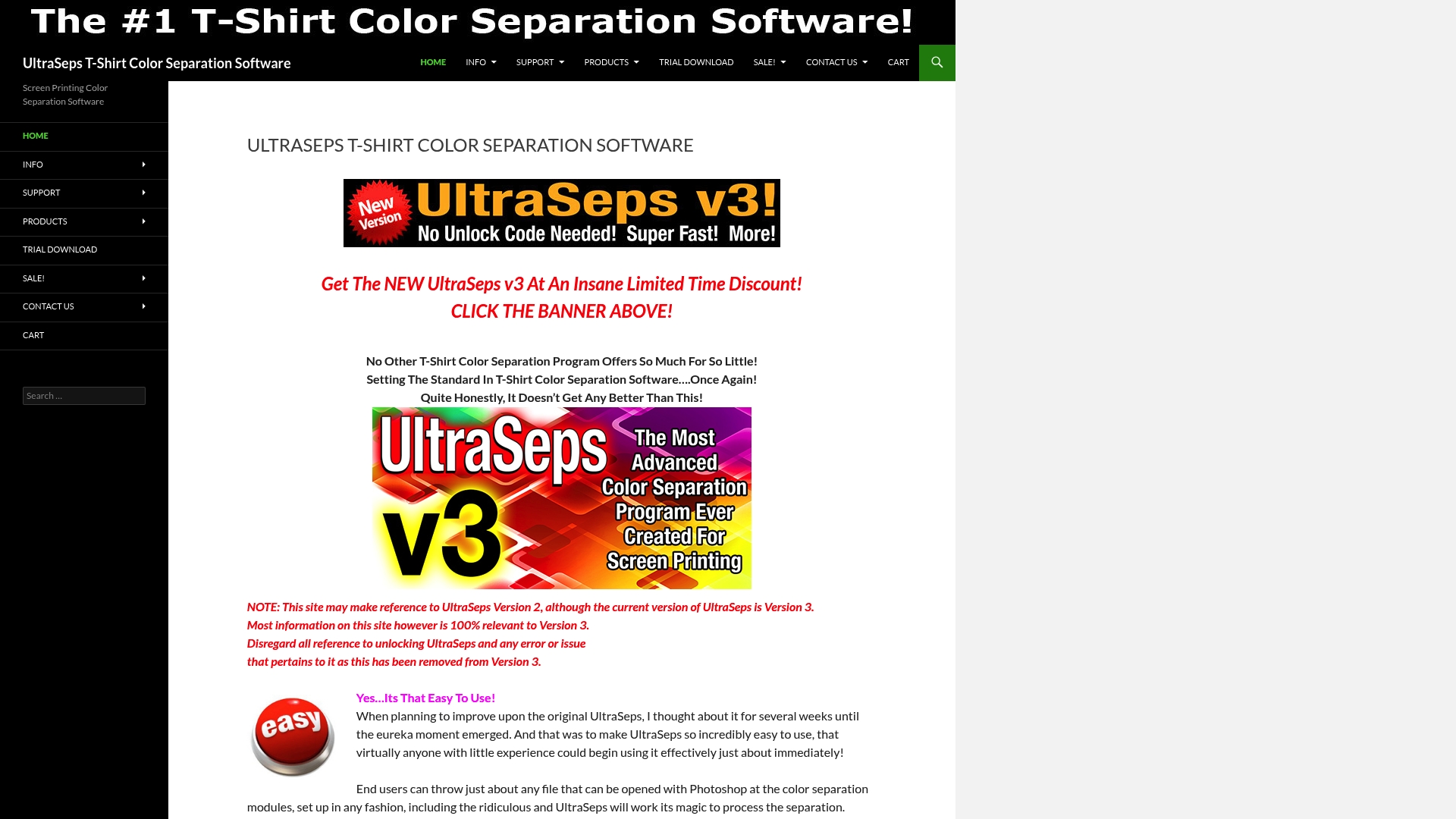
UltraSeps is a focused color separation software built for T shirt screen printing that balances usability with depth. It delivers fast, cost effective separations for both beginners and experienced shop operators while leaning on Photoshop compatibility for final art tweaks.
Core Features
UltraSeps offers multiple separation modules, automated workflows, and direct integration with Photoshop for final adjustments and file handling. The package supports spot colors, underbases, highlights, and simulated process separations which handle complex gradients and multi color art.
- Easy to use interface for quick onboarding
- Multiple separation types including simulated process options
- Automation via plugins and Java applications for batch work
- Photoshop compatibility for layered output and final edits
Pros
-
User friendly interface: The layout and controls let new operators generate usable separations with minimal training which reduces setup time on the press.
-
Multiple separation methods: The software includes spot color, simulated process, and underbase support which covers most screen printing scenarios for apparel shops.
-
Automation speeds workflows: Over one hundred included Java applications and plugins automate repetitive tasks which lowers labor time on larger jobs.
-
Cost effective for features: Given the range of separation options and automation, the price point compares favorably for small shops seeking professional output without high upfront cost.
-
Regular updates and support: Active maintenance and accessible customer support help keep the tool current and minimize downtime for production teams.
Cons
-
Site references older version 2 while the product is on version 3 which creates confusion for buyers looking for current documentation.
-
Some documentation and feature notes may be outdated or less relevant following the V3 release which requires careful verification before purchase.
-
Requires Photoshop or a compatible program to operate which adds cost and creates dependency on a separate application for full functionality.
Who It's For
This tool fits screen printers, graphic designers, and small to mid sized apparel businesses that need reliable, repeatable color separations without hiring a specialist. Shops that already use Photoshop will integrate UltraSeps into existing workflows quickly and see faster job turnaround.
Unique Value Proposition
UltraSeps combines approachable controls with deep separation options and strong automation, making it a practical bridge between entry level tools and fully manual separations. Its emphasis on Photoshop compatibility gives studios precise control over final art while still offloading routine separation tasks.
Real World Use Case
A screen printing shop uses UltraSeps V3 to process custom T shirt orders. The operator runs automated batches for multi color runs, then opens layered files in Photoshop for minute color or registration adjustments, cutting wasted screens and reducing print proofs.
Pricing
Pricing specifics are not listed on the site but the software is marketed as competitively priced with a trial version available which lets you test separation output before committing to purchase.
Website: https://ultraseps.com
T-Seps
At a Glance
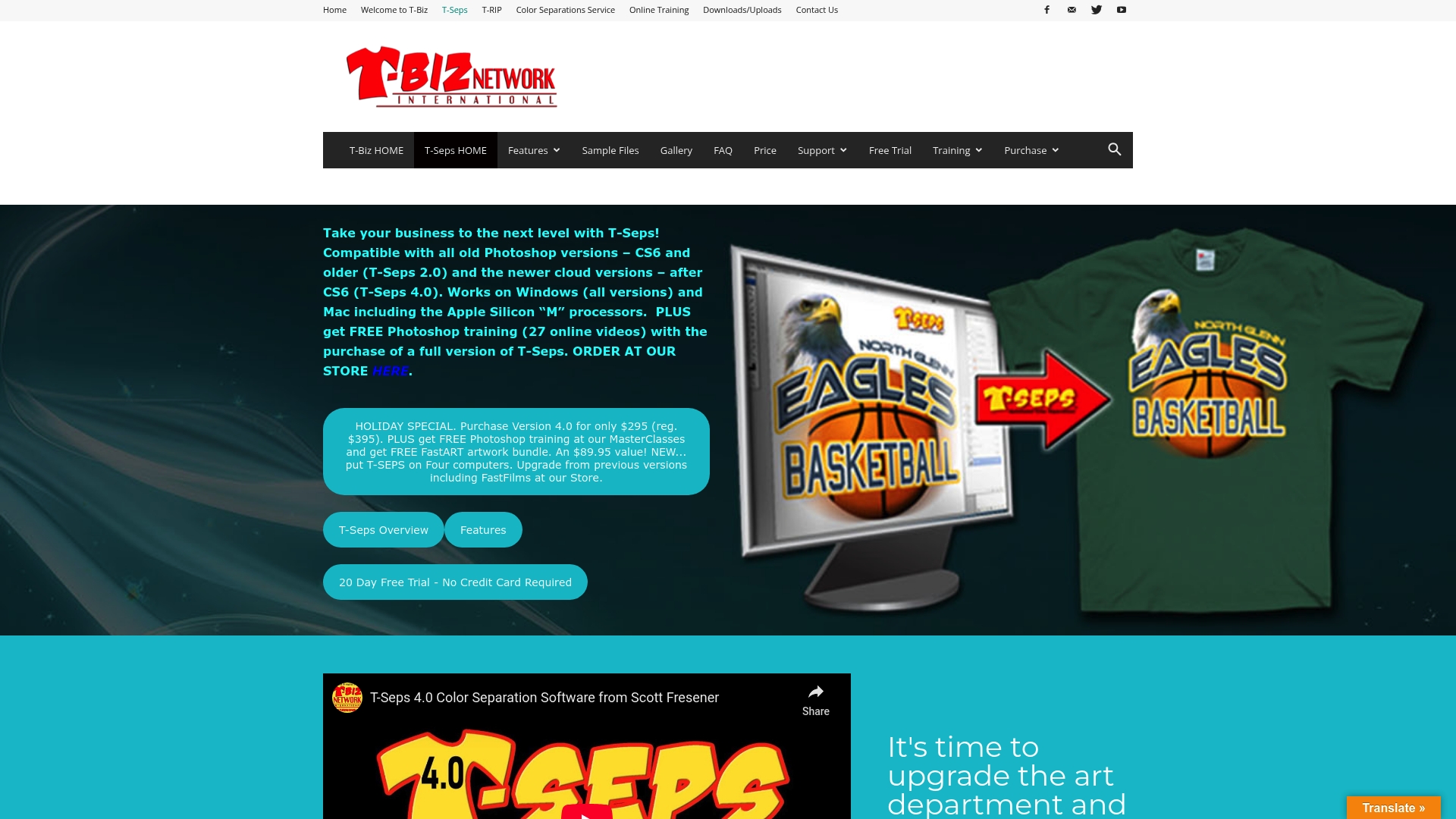
T-Seps is an automated color separation plug-in for Adobe Photoshop that speeds production for screen printers by turning layered artwork into print-ready separations. It pairs automated output with practical checks so you get usable files fast.
Core Features
T-Seps automates color separations for Photoshop and supports Spot Color, Simulated Process, Index Color, CMYK, and Black and White Monochrome workflows. It includes a built-in RIP, job proof creation, mesh count recommendations, and adjustments for dot gain and standard plastisol inks.
Pros
-
Easy to use with broad features: The interface and workflow are tuned for screen printers so common tasks like halftones and indexing are faster than manual separation.
-
Broad Photoshop compatibility: The plug-in supports all Photoshop versions from CS6 through the latest cloud releases so legacy shops and modern studios can both run it.
-
Cross platform support: T-Seps runs on Windows and Mac including Apple Silicon processors which lets shops standardize across mixed workstation fleets.
-
Extensive training and support: The developer provides training videos and support which reduces onboarding time and helps shops adopt advanced techniques.
-
Free trial available: You can test functionality and check output quality before purchasing which reduces procurement risk.
Cons
-
Unclear pricing structure: Pricing details are not fully listed in the product data which makes budgeting harder for smaller shops.
-
Requires Photoshop familiarity: Users need a working knowledge of Adobe Photoshop to get good results which raises the learning threshold for newcomers.
-
Feature complexity: The depth of options for special effects and indexing can overwhelm beginners who want a simple one button solution.
Who It's For
Professional screen printers, art departments, and screen printing educators will get the most value from T-Seps because it assumes knowledge of print workflows and aims to reduce manual separation tasks. Shops that already use Photoshop will see immediate gains.
Unique Value Proposition
T-Seps combines automated separation with practical print checks and mesh count recommendations so the output is not just separations but actionable production files. The inclusion of a built-in RIP and proofing tools keeps file preparation inside Photoshop where designers already work.
Real World Use Case
A screen printing business uses T-Seps to convert client artwork into multi-plate separations, apply halftone and simulation effects, and generate proofs. This speeds prepress, reduces back and forth with production, and improves print consistency across runs.
Pricing
Pricing details are listed on the official site with a special offer for Version 4.0 available at $295 during the holiday sale. Full licensing and volume options are available through the vendor for shop purchasing decisions.
Website: https://t-seps.com
QuikSeps
At a Glance
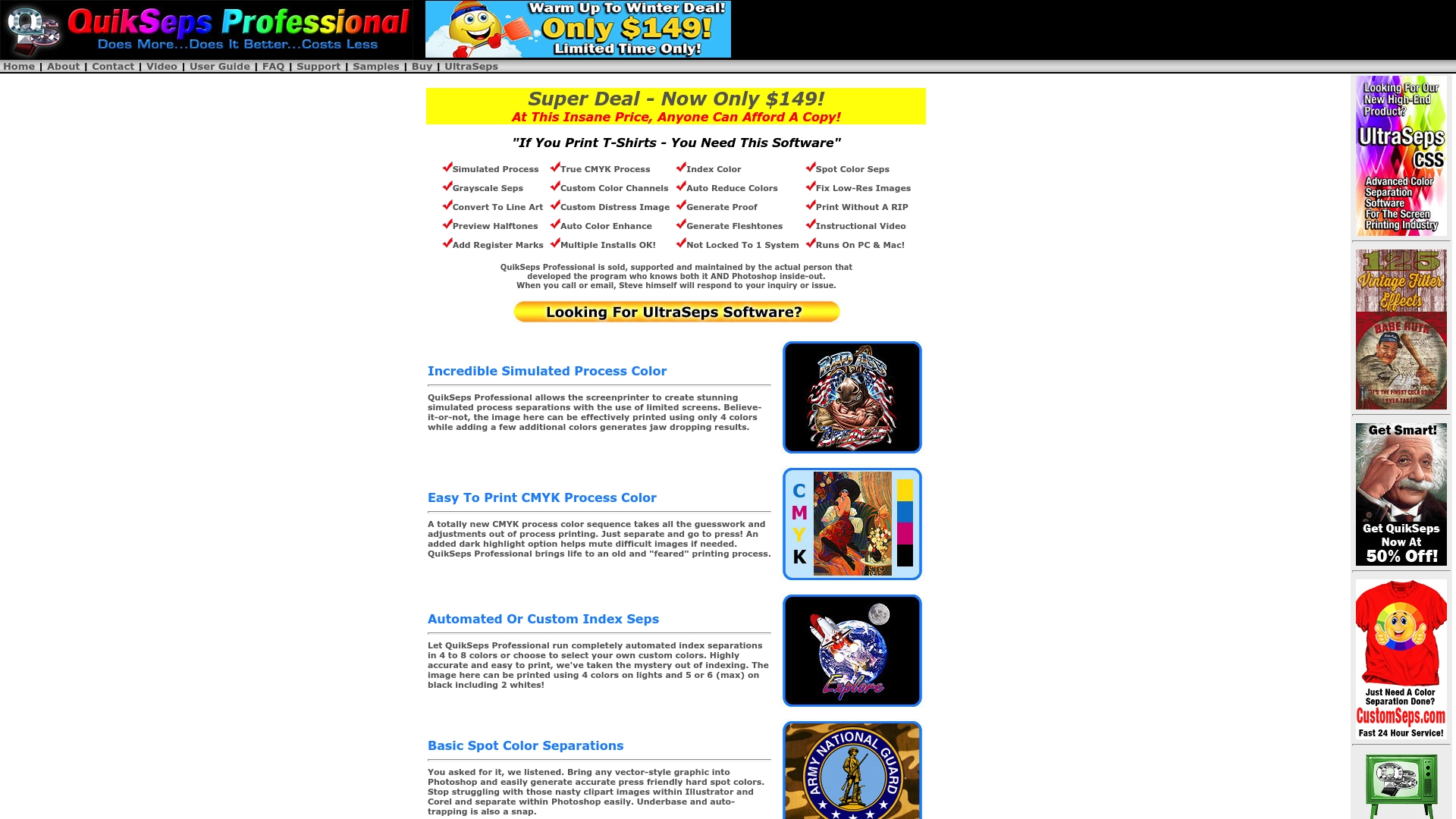
QuikSeps is a focused separation tool built for screen printers who need fast, print-ready color splits. It delivers professional simulated process and spot separations with direct developer support and a compact feature set aimed at production use.
Core Features
QuikSeps specializes in Simulated Process Color creation and Easy To Print CMYK Process Color while offering automated and custom index seps. The tool supports basic spot color separations, grayscale processing, QuikDraw for line art conversion, low resolution image enhance, and previewing halftones on screen.
Pros
- Direct developer support: The original creator provides professional support which shortens troubleshooting time and speeds adoption in production.
- Broad separation options: It handles simulated process, CMYK, spot colors, and grayscale so shops can tackle diverse jobs without switching tools.
- Cross platform compatibility: It works on Mac and PC which makes deployment simpler across mixed workstation environments.
- Feature rich at this price: The package includes advanced filters, color proof generation, and a 2 hour instructional video which raises immediate usability.
- Production focused outputs: Features like adding register marks and output without RIP reduce manual prep steps and improve throughput.
Cons
- The website omits explicit system requirements which makes IT planning and license deployment harder for busy shops.
- Documentation on ongoing updates and long term support is limited which creates uncertainty about future compatibility with workflows.
- New users face a learning curve because advanced separation techniques and filters require hands on practice to master.
Who It's For
QuikSeps targets professional screen printers and graphic designers who convert artwork into production separations. If you run a print shop producing multi color apparel runs or need simulated process work with limited screens, this tool fits typical daily demands.
Unique Value Proposition
QuikSeps combines a compact, production minded feature set with hands on support from its original developer. That package gives print shops a practical route to produce vivid separations without complex modular software or large training investments.
Real World Use Case
A print shop uses QuikSeps to create simulated process separations for vibrant t shirt designs while limiting the number of screens. The result is quicker job setup, reduced material cost, and consistent color reproduction across runs.
Pricing
QuikSeps is currently offered as a promotional single purchase with the label "Super Deal - Now Only $149" which makes it an affordable option for small shops evaluating separation tools.
Website: https://quikseps.com
EZScreenPrint
At a Glance
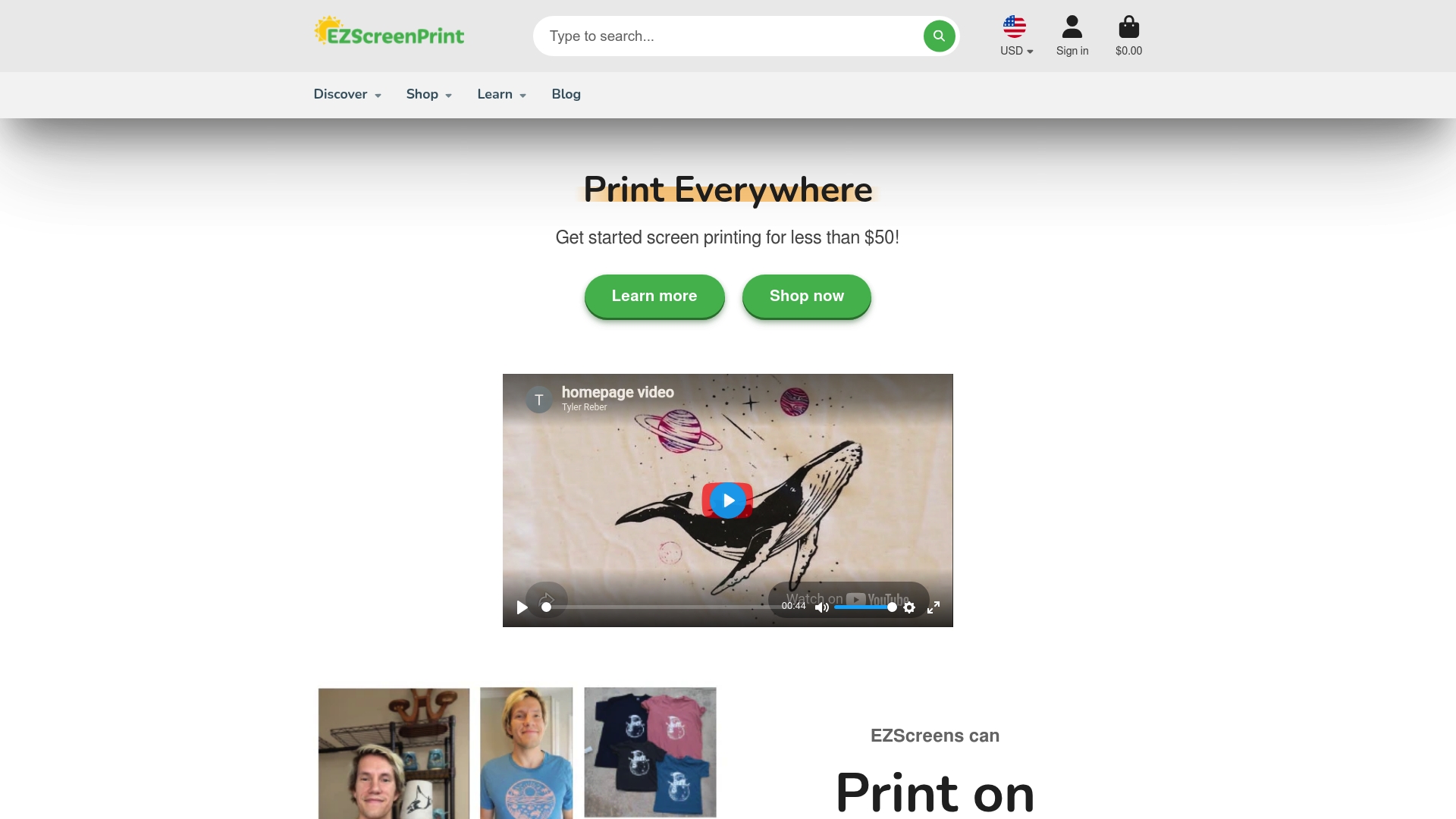
EZScreenPrint supplies user friendly screen printing kits and accessories that let you produce print ready results without studio scale equipment. The offering focuses on ease, reusability, and versatility for fabric, glass, wood, ceramics, and metal printing projects.
Core Features
The product line centers on DIY screen printing kits, Reusable EZScreens, a wide range of inks, and custom stencil services to simplify file to print workflows for small run jobs. The catalog also includes multiple stencil sizes and ready to use stencils to speed setup and reduce prep time.
Pros
- User friendly setup makes it faster to start printing than traditional screen printing, reducing training time for shop assistants and designers.
- Versatile surface support lets you print on fabric, ceramic, glass, wood, and metal which expands product offerings without extra equipment investments.
- Reusable screens lower ongoing costs and waste by allowing multiple pulls from the same EZScreen.
- Educational resources including tutorials and troubleshooting guides help beginners and experienced users solve common production issues.
- Custom and ready to use stencils let you choose between fast designs and personalized artwork for small order runs.
Cons
- The product range is primarily aimed at DIY and small scale projects which means it is not optimized for high volume commercial production.
- Product descriptions in the provided data are limited which requires further research on compatibility and detailed specifications before large purchases.
- Pricing information is not specified in the provided content so you will need to check individual product pages to budget accurately.
Who It's For
EZScreenPrint fits individuals, artists, crafters, and small business owners who need flexible, low overhead printing solutions for limited runs and prototypes. If your shop focuses on custom T shirts, event merchandise, or seasonal home decor and you want to avoid large capital equipment this product line matches that workflow.
Unique Value Proposition
The clear selling point is a low barrier to entry combined with materials that support multiple surfaces and repeat use. For print shop owners who accept small orders or want quick samples for clients, EZScreenPrint provides a compact, practical way to produce durable prints without complex setup.
Real World Use Case
A hobbyist or small shop uses the EZScreenBasic Starter Kit to produce custom T shirts for a school event by selecting pre made stencils and specialty fabric inks for bright, durable prints. The quick setup and reusable screens turn a one day project into a reliable small batch run.
Pricing
Pricing details are not explicitly provided in the source data and appear to be listed on individual product pages and starter kits. Check the product pages on the site for current kit and consumable pricing.
Website: https://ezscreenprint.com
Comprehensive Screen Printing Separation Tools Comparison
Below is a comparison of software and tools designed for screen printing color separations, highlighting their features, strengths, considerations, and pricing.
| Tool | Features | Strengths | Considerations | Price |
|---|---|---|---|---|
| InkSplit | Browser-based, GPU-accelerated separations; supports simulated process, spot color, and CMYK; intelligent handling for base and highlight whites | Fast, automated, high-resolution processing; avoids installation overhead | Limited integration details; unclear full pricing | Free trial; subscription only, pricing unlisted |
| Separation Studio NXT | Tools for raster/vector processing; compatible with Adobe/Corel; works with most RIPs/printers; supports Windows/Mac | Industry-tuned features, wide compatibility, flexible licensing | Complex setup process; costs including licensing and optional profiling tools | Starts at $229 |
| UltraSeps V3 | Offers varied separation methods; automates batch jobs; fully integrates with Photoshop | Easy onboarding, Photoshop compatibility, affordable for its capabilities | Requires Photoshop; documentation may reference older software versions | Pricing unspecified; free trial available |
| T-Seps v4.0 | Photoshop plugin for automated separations; includes spot, simulated process, CMYK; provides RIP and proofing tools | Feature-rich, extensive training resources, compatibility across many Photoshop versions | Requires Photoshop proficiency; feature-packed workflow may have a learning curve | Special price at $295 |
| QuikSeps | Focuses on simulated process and CMYK separations; includes unique tools like low resolution enhancement and halftone preview | Developer support, rich outputs at competitive costs; simple to adopt | Limited detail on updates and compatibility | Promotion at $149 |
| EZScreenPrint | DIY reusable screen printing kits for various surfaces; offers custom stencil services and educational material | Versatility of surfaces, simplified setup suitable for small runs | May not suit high-volume or advanced commercial production needs | Pricing details online |
Streamline Your Color Separation Workflow with LayerPrep
If you are exploring alternatives to InkSplit.com, you understand the challenge of automating color separations while maintaining accuracy and speed in print preparation. Many tools promise fast processing but lack seamless integration of key print production tasks such as Pantone color matching and bleed validation. LayerPrep answers these challenges by providing an AI-powered, browser-based solution that rapidly creates print-ready files with up to 95% Pantone accuracy and supports complex gradients across multiple file formats.
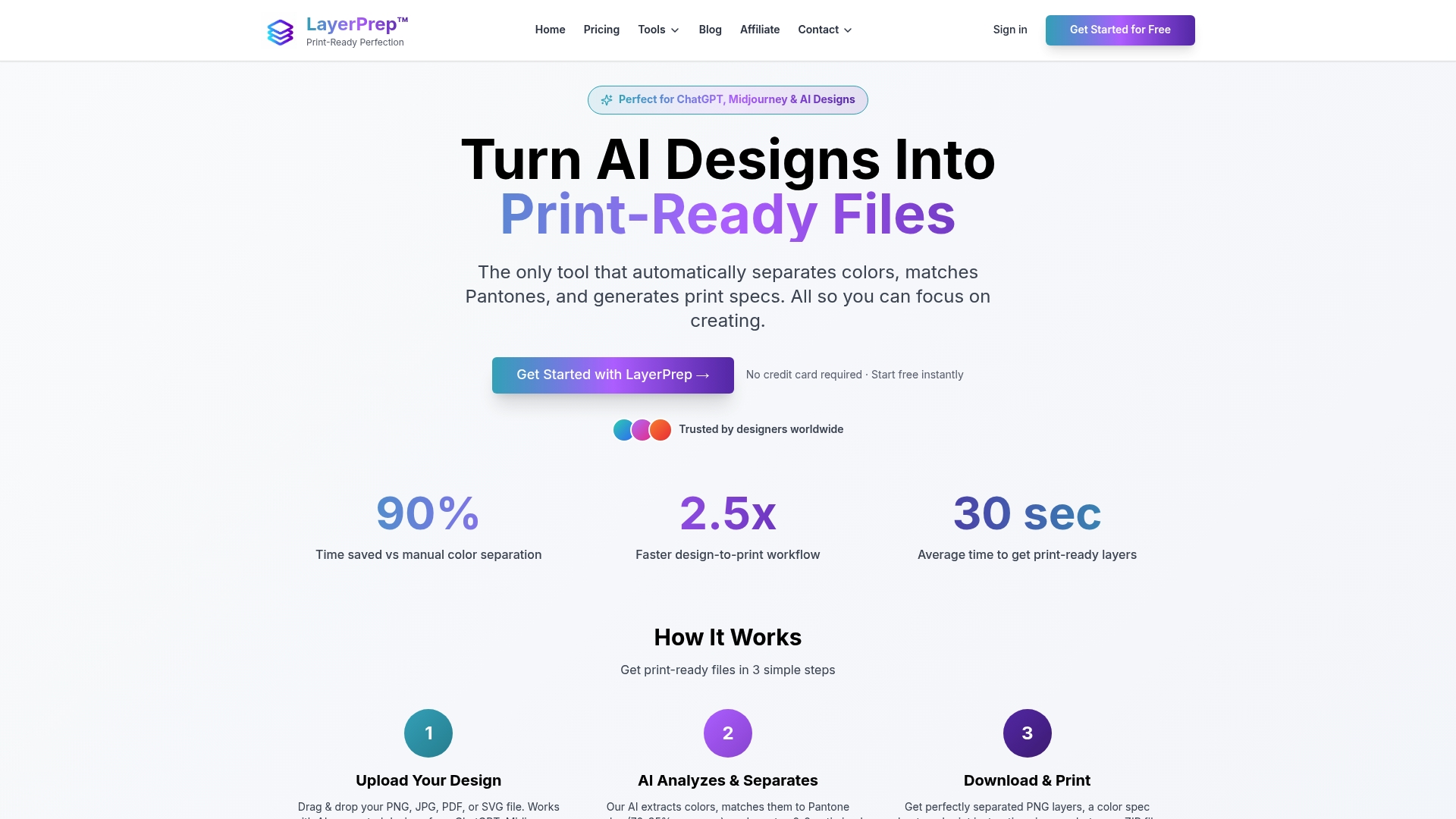
Experience how LayerPrep accelerates your workflow by reducing manual separation efforts and minimizing costly print errors. Whether you work with traditional artwork or AI-generated designs, LayerPrep offers fast turnaround times and a user-friendly interface designed specifically for print shops and graphic designers. Start optimizing your prepress process today by visiting LayerPrep and see how effortless print-ready file preparation can be.
Frequently Asked Questions
What factors should I consider when choosing an alternative to InkSplit.com?
When selecting an alternative, consider features like compatibility with your current design software, pricing, and the quality of separations it offers. Evaluate tools that fit your specific screen printing workflow to ensure a smooth transition and improved efficiency.
How can I determine if an InkSplit.com alternative meets my needs?
Request a free trial or demo if available to test the tool with your actual artwork. Assess its performance in terms of speed and quality of separations to see if it fits your production standards before making a decision.
Are there free alternatives to InkSplit.com for color separations?
Some color separation tools offer free versions or trials, allowing you to experiment with features without commitment. Research and compare these tools based on usability and output quality to find a suitable option for your needs.
How do I ensure compatibility with my existing printing setup while switching from InkSplit.com?
Before choosing an alternative, verify that it supports your current printers and RIP software. Review the specifications and compatibility features on the alternative's website, or reach out for support to confirm alignment with your equipment.
Can I use more than one InkSplit.com alternative in my workflow?
Yes, you can incorporate multiple tools depending on your workflow requirements. Experiment with different alternatives to find the best combination that enhances your productivity and meets your unique printing demands.
What common challenges might I face when transitioning from InkSplit.com to an alternative?
You may encounter a learning curve while familiarizing yourself with a new tool's interface and features. Allocate time for training and possibly adjust your workflow to adapt to the new software, which can typically take a few weeks to optimize.