
Choosing the right software can feel overwhelming with so many options popping up each year. Unique features, different pricing plans, and varying user experiences all play a role in your decision. Some tools promise faster collaboration, others focus on easier workflows. It can be surprising how much these platforms differ and how a small detail may completely shift your preference. What if there are alternatives that might suit your needs even better? The next products could open up new possibilities for how you work.
Table of Contents
Separo
At a Glance
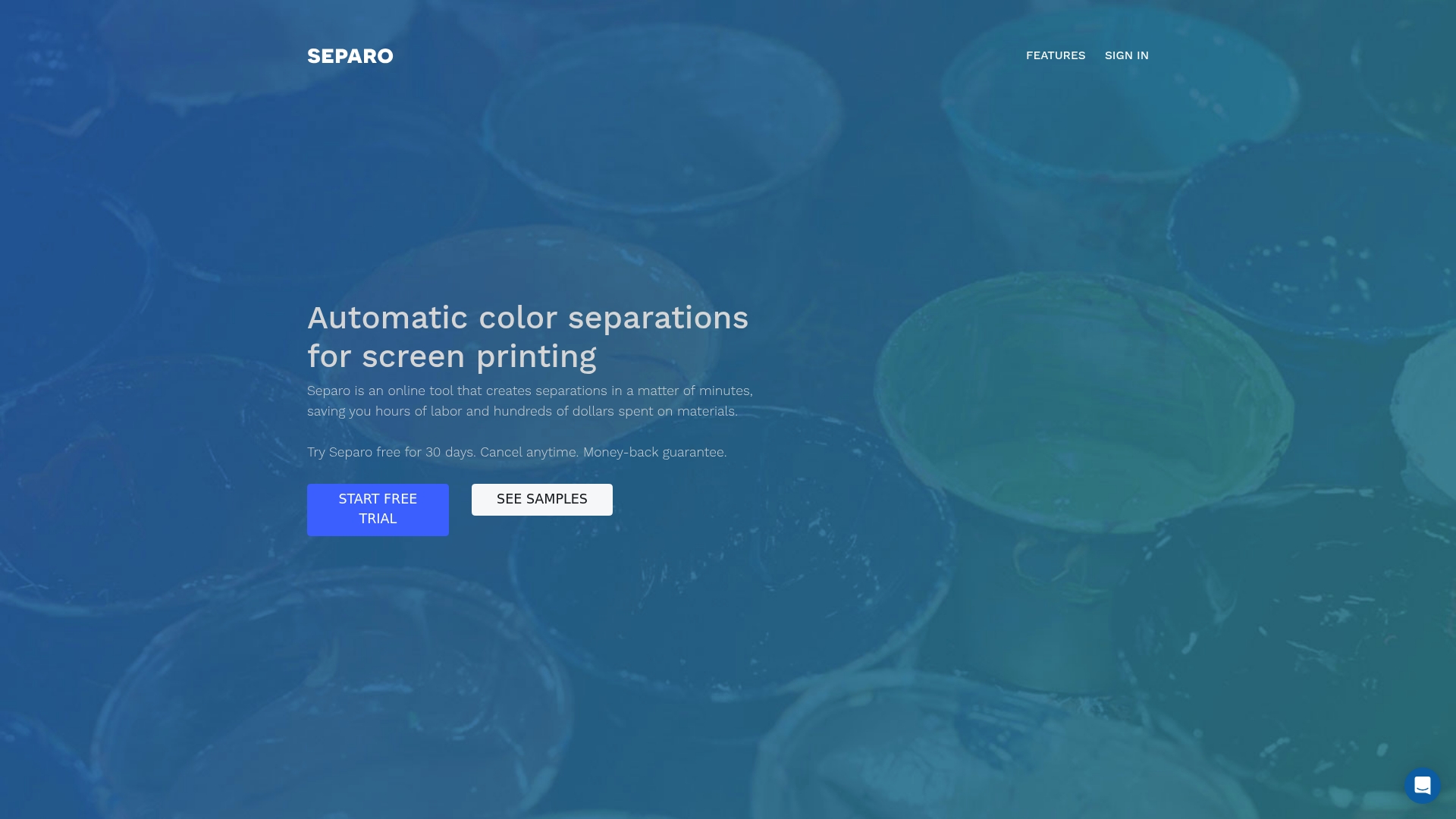
Separo is an online tool that automates color separations for screen printing and reduces prepress time with industry tested technology and machine learning. Its main appeal is fast, reliable separations and practical proofing for T shirts and dark garments.
Core Features
Separo provides automatic color separations that handle spot color and simulated process outputs for screen printing. The platform includes real time color detection and proofing so you can check results before plates are produced.
Separo also offers customizable dot gain profile and options for ink types and underbase settings to match your shop workflow. The system integrates with existing software and includes support services to help with setup and troubleshooting.
Pros
- Saves time and labor with fast automated separations that remove manual color splitting and speed prepress.
- Produces high quality industry tested output suitable for garments and complex artwork.
- Offers flexible options for different printing methods and materials so you can tailor separations to your process.
- Supports seamless workflow integration that lets you plug Separo into existing prepress routines.
- Provides flexible pricing with a 30 day free trial and month to month plans for shorter commitments.
Cons
- Pricing may be high for small businesses or infrequent users who print only occasional jobs.
- Limited details on the exact machine learning algorithms and technologies used for separations reduce transparency for technically minded users.
- Enterprise plans require direct contact which can be less convenient for small shops that prefer instant online signup.
Who It's For
Separo is designed for screen printing businesses and production professionals who need an automated, high quality color separation solution. The tool fits shops that run frequent orders and want to cut prepress labor while maintaining color accuracy.
Unique Value Proposition
Separo combines practical separation experience with patented technology to deliver dependable separations and proofs. The mix of automation, real time proofing, and configurable prepress controls makes it valuable for shops that prioritize consistency and speed over manual setup.
Real World Use Case
A T shirt printing shop uses Separo to create separations from customer artwork and generate proofs before production. The shop reduced prepress time on large orders and improved color accuracy across runs by relying on Separo’s automated outputs.
Pricing
Starter plan: $49 per month with a 30 day free trial.
Plus plan: $149 per month with a 30 day free trial.
Custom enterprise plans are available upon request for shops that need volume pricing or white glove support.
Website: https://separo.io
Separation Studio® NXT
At a Glance
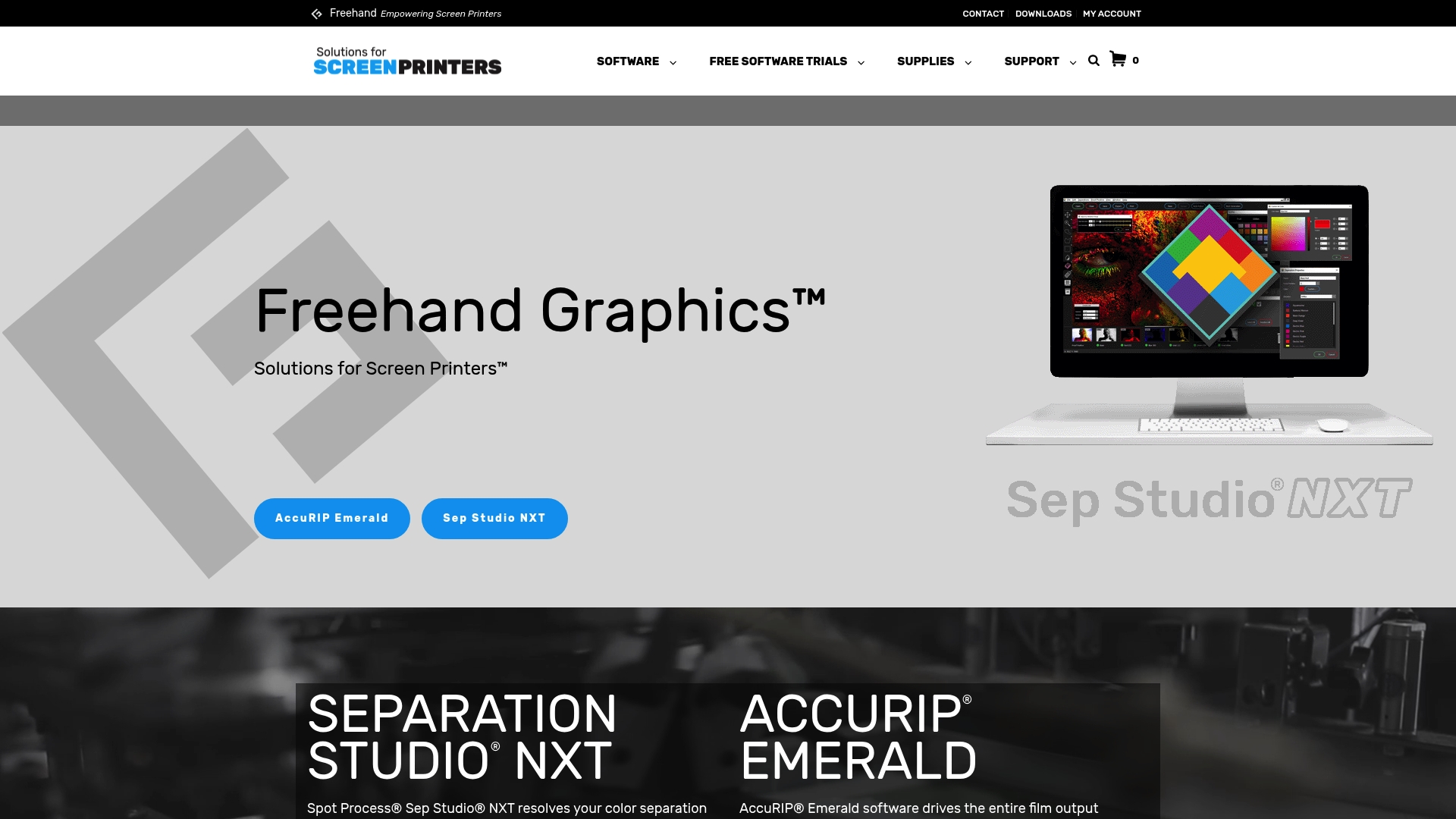
Separation Studio® NXT is a focused color separation tool built for screen printers who wrestle with mixed raster and vector artwork. It solves difficult separations and integrates directly with Adobe and Corel for a familiar workflow.
The software has a long track record, and it aims to cut manual editing time for shops that handle tricky customer files and downloaded images.
Core Features
Separation Studio® NXT offers industry-specific tools for color separation that work with both raster and vector art and address poor quality original files. It integrates with Adobe and Corel so artists can work inside their preferred design environment.
The product emphasizes reproducible separations and training resources, reflecting its heritage and continued support since 1995.
Pros
- Effective for complex separations: The tool handles multi color and mixed artwork scenarios that often break simpler workflows.
- Compatibility with major design suites: Direct integration with Adobe and Corel preserves native edits and reduces export hassles.
- Supports raster and vector files: You can process scanned images and vector art without switching tools or converting formats first.
- Extensive training and support: The company provides resources that help team members learn separation techniques faster.
- Improves print quality and accuracy: The software aims to produce separations that reduce rework and improve consistency on press.
Cons
- Requires a computer and technical knowledge to operate: Small shops without a trained operator will face setup and operational overhead.
- Learning curve for beginners: New users will need time and training before they can produce reliable separations independently.
- Cost may be a consideration for small shops: At its renewal price the investment may pressure very small or part time operations.
Who It's For
Separation Studio® NXT fits screen printers and artists who need precise, repeatable color separations, especially when files arrive in mixed formats or poor condition. It works best for shops with someone who can invest a few hours into training and workflow setup.
Short learning curve? Not exactly.
Unique Value Proposition
The product stands out for its focused approach to screen printing problems and longstanding industry support. Its value lies in reducing manual separation work through tools that understand typical press and film requirements while keeping designers inside Adobe and Corel.
Real World Use Case
A small screen printing shop uses Separation Studio® NXT to convert complex customer artwork into reliable color separated films. The shop reduces time spent on manual masking and channel fixing, allowing presses to run more consistently and lowering waste on first runs.
Pricing
The listed price is $229 USD per year (renewal). That annual model provides continued updates and access to training materials, which supports shops that plan to use the software regularly.
Website
Website: https://separationstudio.com
UltraSeps T-Shirt Color Separation Software
At a Glance
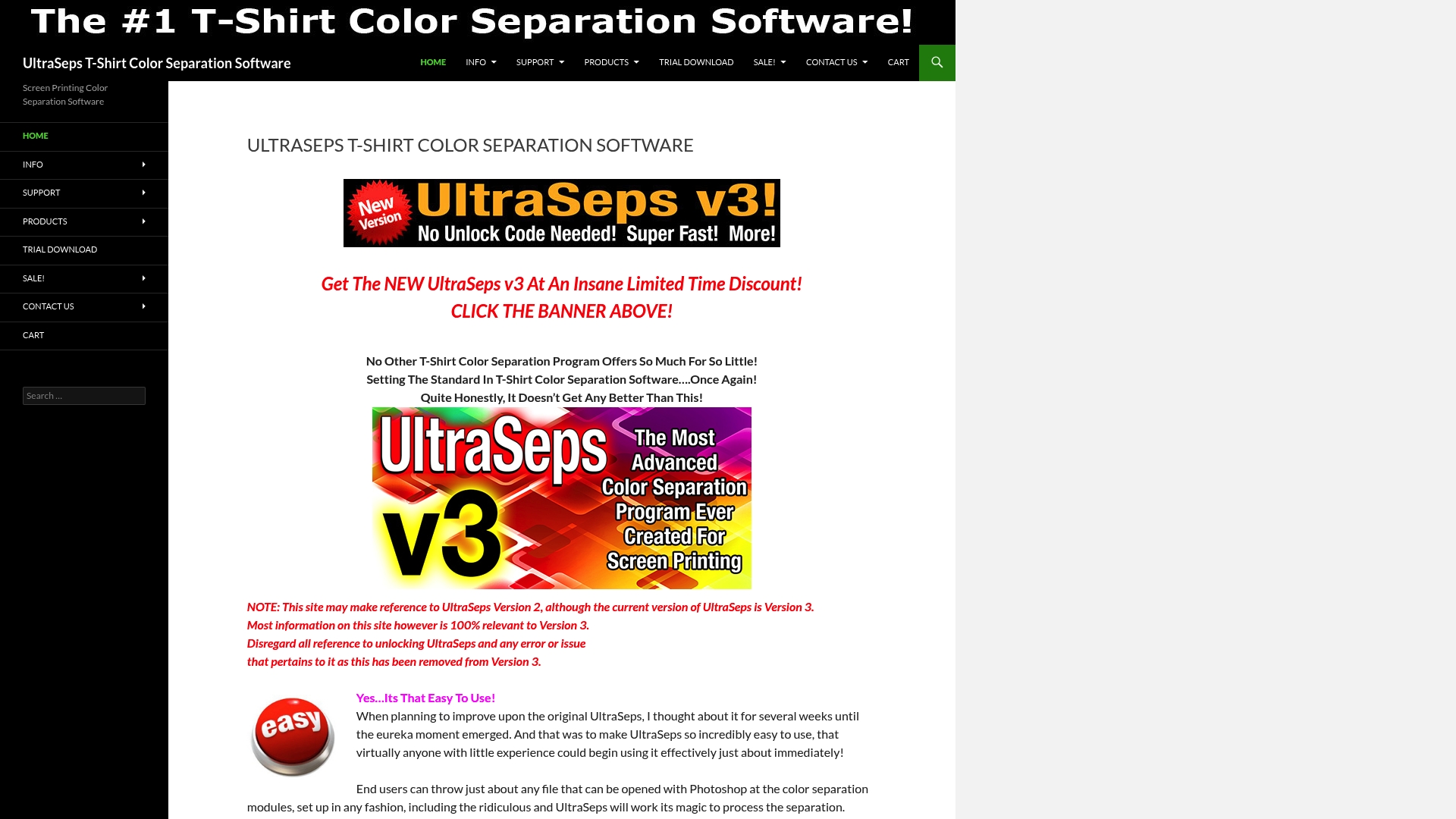
UltraSeps delivers a practical, feature rich toolkit for screen printers who need fast, accurate separations. Its combination of a easy to use interface and over 100 automation tools makes it a solid choice for shops balancing speed with quality.
Core Features
UltraSeps focuses on producing professional grade color separations with minimal manual work.
- Supports all file types compatible with Photoshop so you can import layered PSDs, TIFFs, and common vector exports.
- Multiple color separation methods including simulated process that handles multi color artwork files.
- Over 100 automation tools and Java applications to speed repetitive tasks and batch processing.
- Re engineered Version 3 offers faster processing and improved stability compared with prior releases.
Pros
- User friendly design makes the tool accessible to operators with little separation experience and reduces training time.
- Extensive feature set covers traditional spot separations and simulated process workflows so you can handle complex jobs in house.
- Automation reduces time and effort by batching routine tasks and applying consistent separation rules across files.
- Photoshop compatibility protects your existing file library and keeps your studio workflow intact.
- Version 3 stability improvements lower crash risk during large or layered separations which helps maintain production schedules.
Cons
- The site still mentions Version 2 occasionally which could confuse buyers about which build they will receive.
- Specific system requirements are not listed which creates uncertainty about whether older workstations will run the software reliably.
- The product is not free and requires a purchase or trial download so shops must budget to fully evaluate the software.
Who It's For
UltraSeps is built for screen printers, graphic designers, and art departments that prepare multi color T shirt jobs and need reliable separations without extensive manual tracing. It fits small to mid size shops that want an all in one separation tool compatible with existing Photoshop assets.
Unique Value Proposition
UltraSeps combines a low barrier to entry with advanced automation. The ability to run more than 100 automated tasks, plus simulated process separations, gives art teams a faster path from artwork to film output while keeping color control in house.
Real World Use Case
A busy screen printing shop uses UltraSeps to convert complex client artwork into accurate separations for a four color simulated process run. The automation trims edit time and reduces rework, allowing the shop to increase throughput on multi color T shirt runs.
Pricing
UltraSeps is available through a trial download with purchase options for the full version. Specific pricing is not provided on the product data so shops should download the trial and contact sales for licensing details.
Website: https://ultraseps.com
Screen Printing Color Separation Tools Comparison
This table provides a comparison of three leading color separation tools for screen printing, highlighting their features, advantages, disadvantages, pricing, and suitability for different user needs.
| Tool Name | Core Features | Pros | Cons | Pricing |
|---|---|---|---|---|
| Separo | Automatic color separations, customizable profiles, and integration with workflows | Saves time and labor, flexible options for various printing methods, seamless integration, 30-day free trial | Pricing may be high for infrequent users, limited algorithm transparency | $49/month (Starter), $149/month (Plus) |
| Separation Studio® NXT | Tools for complex separations, Adobe and Corel integration, support for mixed raster and vector artwork | Effective for complex separations, compatibility with major design suites, training resources, improved print consistency | Requires computer skills, learning curve for new users | $229/year |
| UltraSeps | Over 100 automation tools, simulated process separations, compatibility with Photoshop | User-friendly design, supports traditional and simulated separations, extensive automation, maintains Photoshop workflow | Version documentation ambiguity, unspecified system requirements | Contact sales for pricing details |
Use this table to assess which tool best fits your screen printing separation needs.
Discover Faster, Smarter Color Separation with LayerPrep
The article highlights common challenges like time-consuming manual separations, inconsistent color accuracy, and complicated workflows faced by screen printing shops. If you are looking to simplify complex color separations while ensuring reliable Pantone matching and print-ready file validation, LayerPrep offers an AI-powered online solution tailored for you. Our platform excels at automating color separation, validating DPI and bleed specs, and supporting multiple file formats including PNG, JPG, PDF, and SVG.
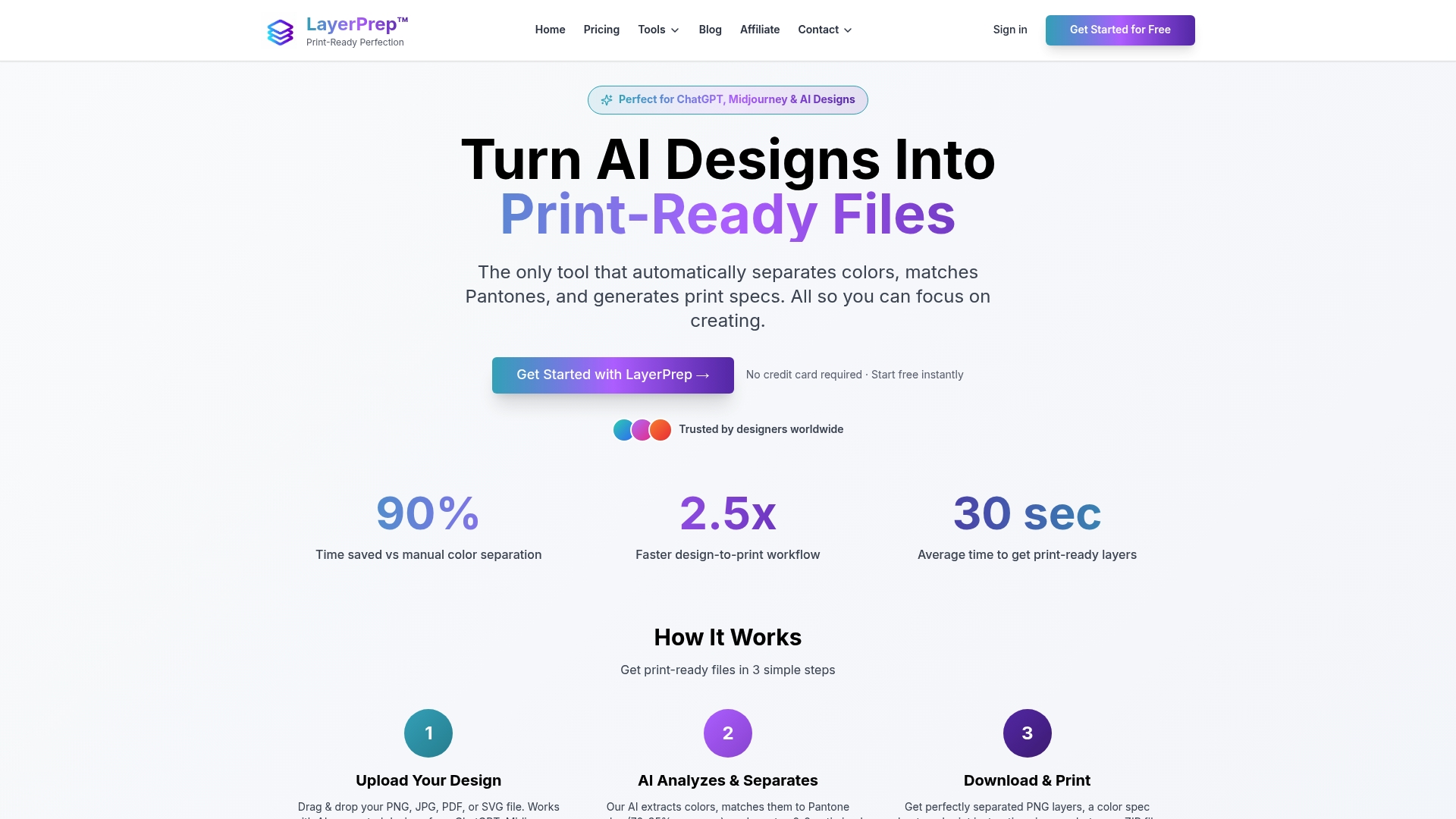
Experience fast turnaround times and reduced manual workload that screen printers and graphic designers need to keep production moving smoothly. Start optimizing your prepress today by visiting LayerPrep and see how smart automation can transform your print preparation process. Take the next step toward effortless separations and precise color control.
Frequently Asked Questions
What are the main features to look for in a Separo.io alternative?
When searching for an alternative to Separo.io, focus on features such as automatic color separations, integration with design software, and proofing capabilities. Identify tools that streamline prepress processes and enhance efficiency in your screen printing workflow.
How can I save time on color separations using an alternative to Separo.io?
To save time on color separations, choose a tool that offers automation and batch processing features. These functionalities can significantly reduce manual effort and streamline your workflow, allowing you to process multiple projects simultaneously, potentially cutting prepress time by up to 30%.
Are there alternatives that cater to both raster and vector art?
Yes, several alternatives support both raster and vector art, making them suitable for diverse artwork requirements. Look for software that integrates with popular design programs to handle mixed formats effectively, ensuring seamless transitions from art creation to separation.
What are the pricing options I should consider when comparing Separo.io alternatives?
When evaluating alternatives, consider both monthly subscription plans and annual fees. Look for options that offer trial periods so you can assess suitability for your workflow before committing; many tools allow trial use for 30 days or more.
How do I determine which color separation tool best fits my shop's needs?
To identify the best color separation tool for your shop, assess your specific requirements regarding workflow, frequency of use, and complexity of designs. Consider testing out a few options through free trials to gauge performance with your typical artwork types and processes.
Is customer support important when choosing a Separo.io alternative?
Yes, customer support is crucial when selecting an alternative, as it can impact your learning curve and operational efficiency. Look for options that offer comprehensive training resources and responsive support services to assist you with any issues you may encounter.