
Searching for new ways to work with transparent images can feel like finding the right fit for your creative needs. You might be hoping for easier tools, fresh features, or better pricing. With so many options available online, choosing can be tricky. Different platforms promise unique benefits and surprises. The choices ahead hold something for anyone looking to transform their workflow. Want to see what stands out and which solutions might suit you best? Discover which alternatives people are turning to now.
Table of Contents
LayeredPNG
At a Glance
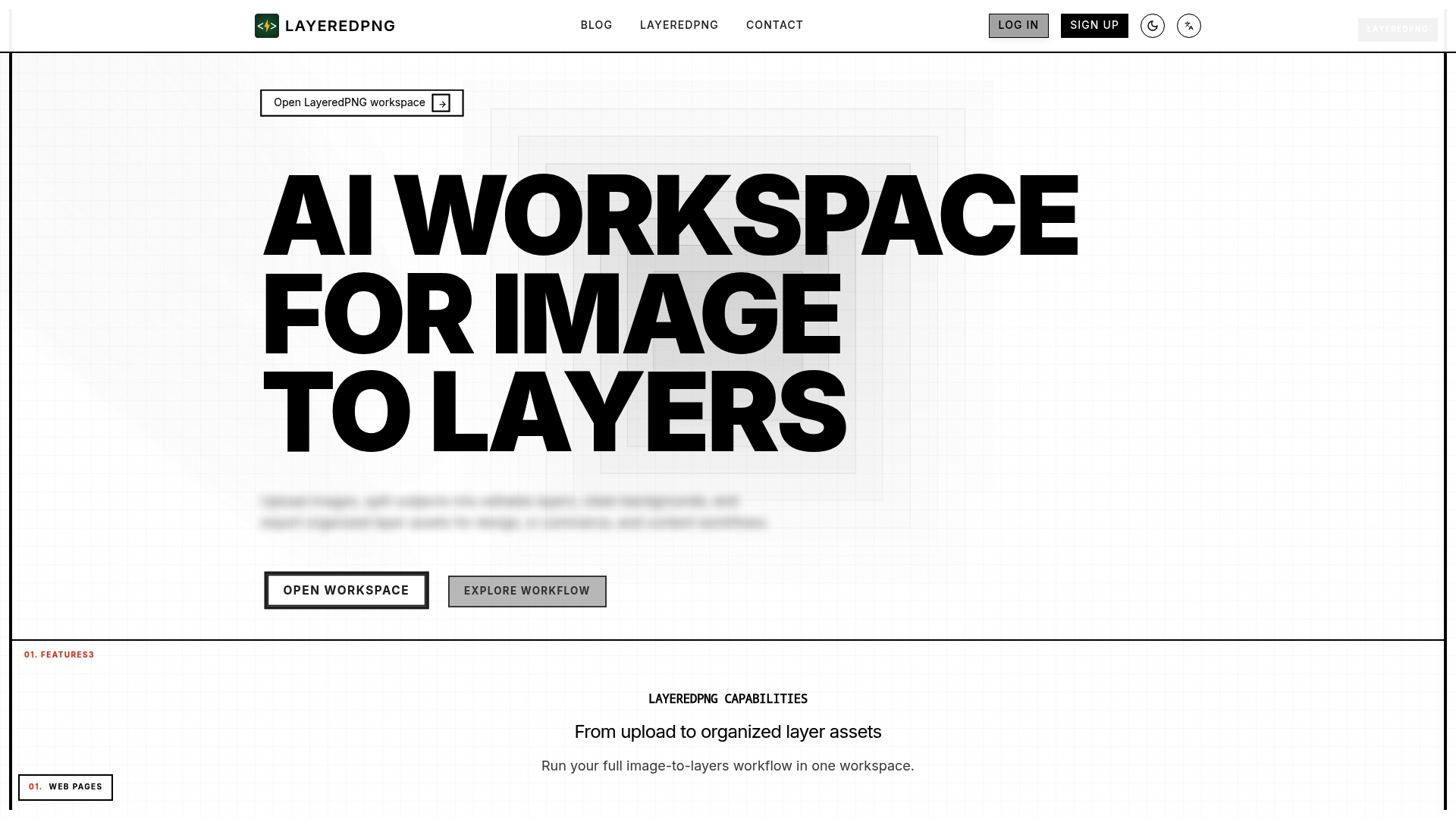
LayeredPNG is an AI-powered workspace that converts images into editable layered PNG assets for design and e commerce teams. It speeds asset production for catalogs and ad creatives while focusing on PNG export and template reuse.
Core Features
LayeredPNG offers image to layers conversion, mask cleanup and transparency polish, layer grouping and template reuse, split layer ZIP export, and team ready output files. These tools combine automated separation with metadata export for predictable handoffs to production.
Pros
-
Streamlines image layering workflow with AI assistance and reduces manual masking time by automating subject separation.
-
Supports high volume production and reuse of assets so teams can scale catalog updates and campaign iterations faster.
-
Provides comprehensive tools for background removal and layer refinement which helps preserve fine edges and transparency.
-
Facilitates collaboration and project organization with multi board and library features that keep reusable templates and assets accessible to teammates.
-
Offers flexible deployment options including hosted inference and Bring Your Own Key BYOK to match security requirements for sensitive projects.
Cons
-
Pricing details beyond the free plan are not specified which makes budgeting for large teams difficult without contacting sales.
-
Focuses on PNG assets and may not support other export formats directly which limits workflows that require layered PSD or vector outputs.
-
Dependent on a web browser environment and cloud features so offline or fully air gapped workflows will not be supported.
Who It's For
LayeredPNG fits design teams, content creators, e commerce businesses, advertising agencies, and marketing teams that need repeatable image to layer workflows. It suits groups that produce large volumes of product images and need quick, consistent outputs for marketplaces and ad channels.
Unique Value Proposition
LayeredPNG packages automated layer generation with template reuse and manifested exports so teams receive organized assets ready for downstream use. The platform reduces handoff friction by delivering clean layers and a ZIP with metadata for integration into asset pipelines.
Real World Use Case
An e commerce team uses LayeredPNG to convert product photos into layered assets for marketplace listings. They remove backgrounds, save a template for a product family, and export a ZIP with a manifest which cuts their catalog update cycle from days to hours.
Pricing
A free plan is available with basic features. Additional pricing information for paid plans is not specified in the source data and requires direct inquiry for team scale or enterprise needs.
Website: https://www.layeredpng.com
Qwen Image Layered
At a Glance
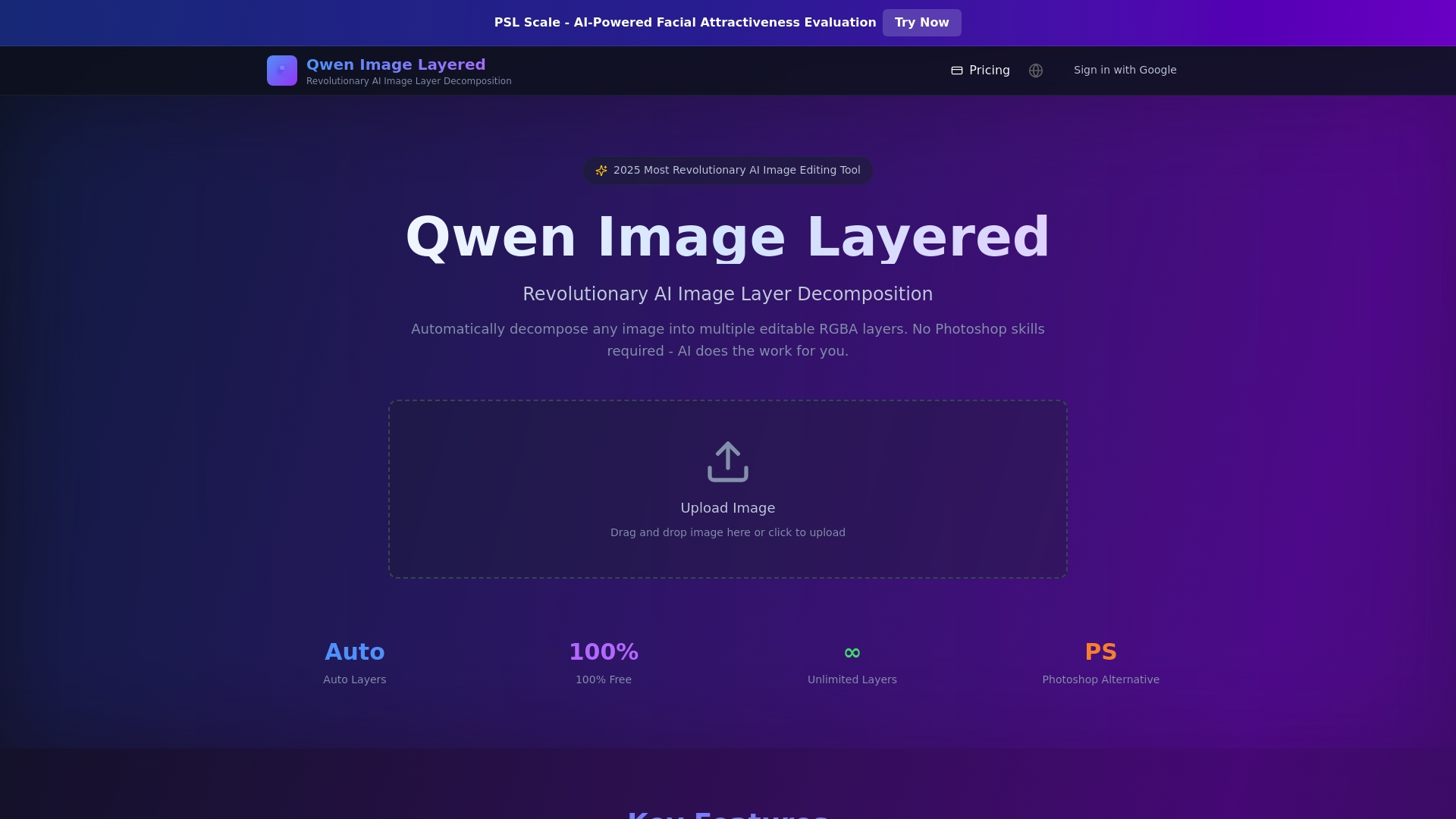
Qwen Image Layered is an AI tool that breaks images into editable RGBA layers so you can edit objects independently without Photoshop skills. Its free, open source model makes it a practical option for shops that need fast layer outputs and flexible reuse.
Core Features
Qwen Image Layered offers Automatic Layer Decomposition that separates images into multiple editable layers with preserved transparency. The tool includes Smart Background Reconstruction to fill areas hidden behind objects and Flexible Layer Control that supports three to eight or more layers with recursive refinement.
The platform also provides Easy Editing Operations so you can resize, recolor, move, or replace objects on separate layers for processual and professional workflows.
Pros
- Free and open source. The Apache 2.0 license lets you use the tool in commercial projects without licensing fees.
- Automates complex separation. The AI reduces manual masking work, saving time for repetitive print prep tasks.
- Supports high resolution outputs. You get quality files suitable for print production and detailed editing.
- No advanced skills required. The interface and online demo make the tool accessible to beginners and clients who need quick edits.
- Works with multiple art styles. Photos, anime, and cartoon art are all supported, which helps shops that handle varied orders.
Cons
- Automatic layer assignment offers limited manual control over specific objects, which can frustrate users needing pixel level selection accuracy.
- Processing speed and output quality vary with image complexity and resolution, so larger photos may require trial and error to get ideal results.
- Advanced manual editing features like precise object selection and path adjustments are not available, so some final touch ups still need other software.
Who It's For
Qwen Image Layered fits print shop owners, graphic designers, and e-commerce content creators who want quick, automated layer decomposition without learning complex tools. It serves both beginners and professionals who value fast iterations for product photos and marketing assets.
Unique Value Proposition
This tool combines free access with powerful AI driven layer reconstruction, which lets teams create editable layers and recover hidden backgrounds quickly. For shops that produce multiple colorways or mockups, Qwen Image Layered reduces repetitive masking and accelerates file preparation.
Real World Use Case
A shop uploads a product photo and the AI decomposes the image into separate layers for the product, shadow, and background. The team then replaces the background, recolors the product, and exports multiple marketing images in minutes rather than hours.
Pricing
The base offering is free and open source with no usage limits under the Apache 2.0 license. Paid credit packs are available for additional processing: $1.99 for 10 credits, $5.99 for 35 credits, and $18.99 for 120 credits.
Website: https://imagelayered.com
Layerlift
At a Glance
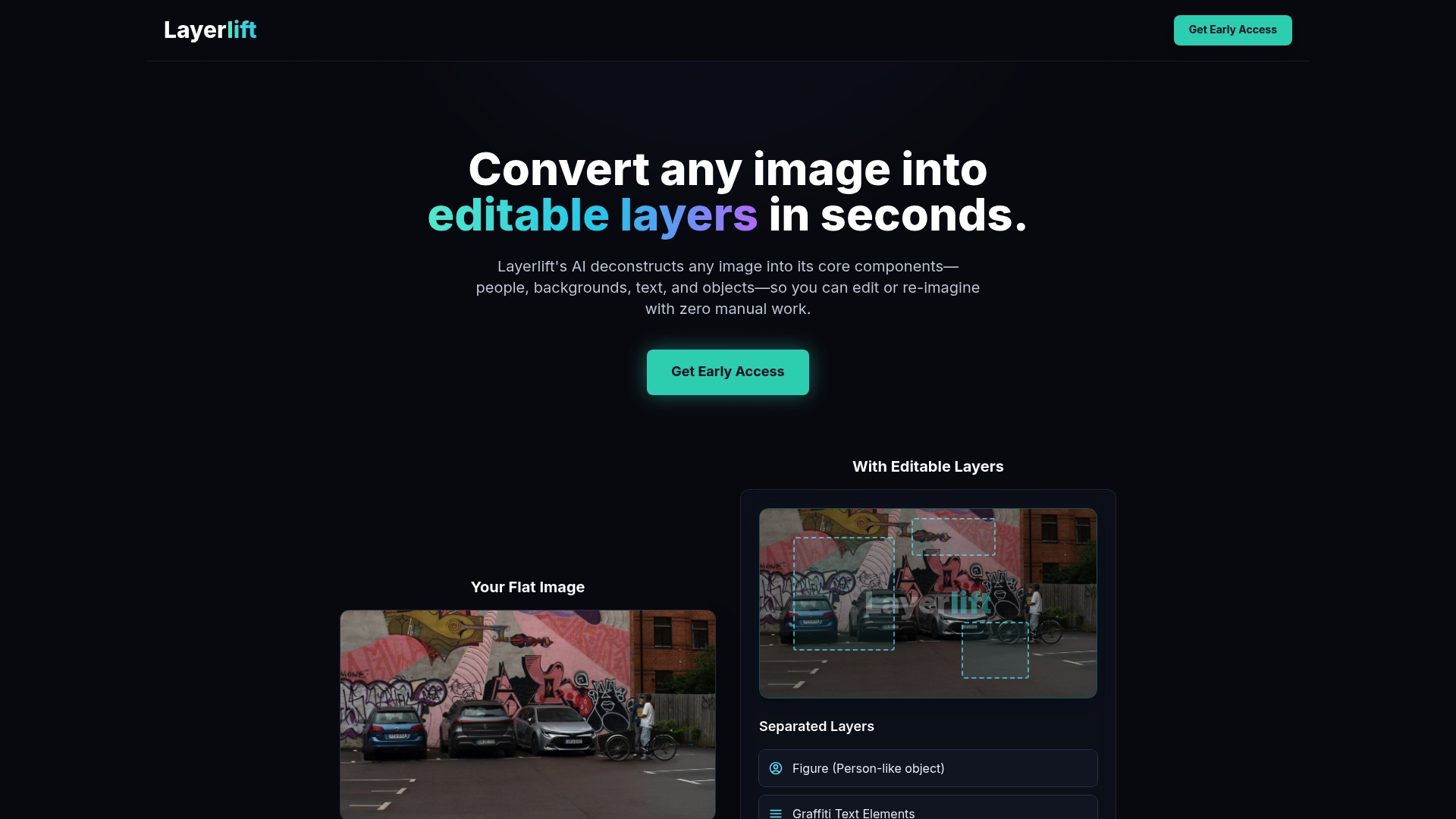
Layerlift delivers fast, AI powered layer extraction that converts images into editable components within seconds. Its output targets practical design workflows by exporting layered PSD, FIG, or individual transparent PNGs so you can edit elements without manual masking.
Core Features
Layerlift automatically separates images into figures, backgrounds, text elements, and objects and supports JPG, PNG, and WEBP uploads. The tool analyzes and isolates distinct image elements quickly and exports layered PSD and FIG files or separate transparent PNGs for each layer.
Pros
- Speedy processing: The AI separates elements in seconds, reducing time spent on manual masking and selection.
- Multiple export formats: It outputs layered PSDs, FIG files, and transparent PNGs so you can continue work in Photoshop or vector tools without rebuilding layers.
- Broad format support: You can upload JPG, PNG, and WEBP files without extra conversion steps.
- Practical for many workflows: Marketers, designers, and creators can use the layers for ad variations, thumbnails, and composite images.
- Clear user flow: The upload to download process is user friendly, letting nontechnical users get usable layers fast.
Cons
- Unspecified limits: The product details do not state file size limits or maximum dimensions, which leaves unknowns for large print or high DPI projects.
- No pricing information: Pricing and subscription tiers are not provided in the data, so budgeting for teams is difficult without contacting the vendor.
- Limited advanced editing notes: The feature list does not mention integrations or deeper editing controls, so you may still need desktop tools for complex retouches.
Who It's For
Layerlift is aimed at marketers, designers, and content creators who need quick element isolation and editable exports. If you produce ad creatives, social posts, or collages and want to test variations fast, this tool fits routine production tasks.
Unique Value Proposition
Layerlift deconstructs images into editable components without manual masking, giving teams ready made layers for composition and testing. That makes it useful when you need repeatable exports for A B testing or rapid creative iteration.
Real World Use Case
A marketer isolates a product from a lifestyle photo, swaps backgrounds, and exports multiple thumbnail variations for an ad test. The result is a batch of layered files ready for designers to fine tune or deliver straight to an ad platform.
Pricing
Pricing is not specified in the provided details, so you will need to visit the website or contact sales for subscription and team plan information.
Website: https://layerlift.space
Canva
At a Glance
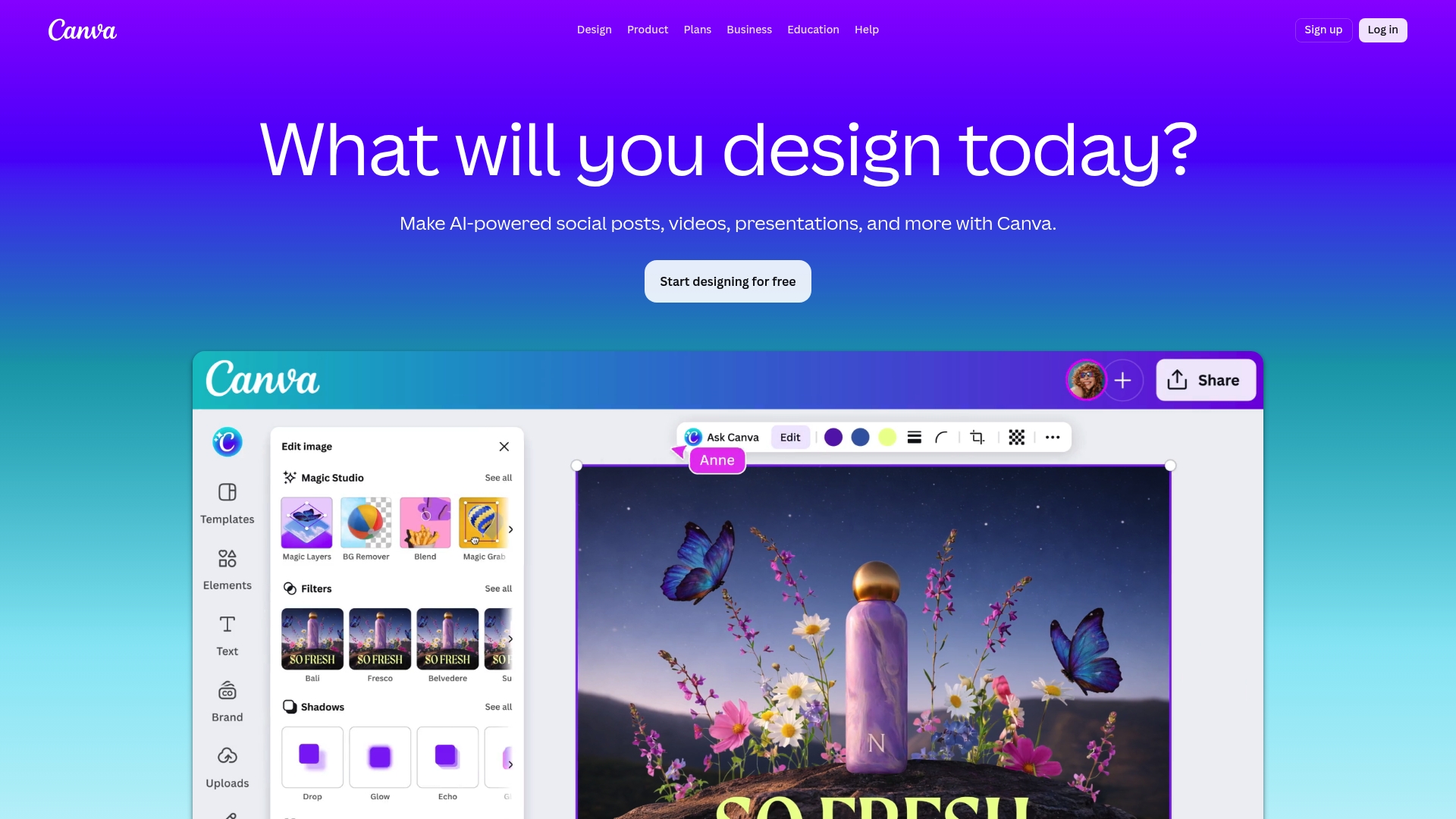
Canva is a visual design platform that helps print shops and designers produce social posts, presentations, and print products with a simple drag and drop interface and a large template library. Its blend of ease of use and collaboration makes it useful for teams that need fast, consistent output.
Core Features
Canva provides templates, a photo editor, a video editor, and collaborative whiteboards that cover most creative briefs print shops receive. It also offers print design options for business cards, invitations, and flyers with download formats suitable for production.
Canva includes notable AI features such as Magic Layers, Background Remover, Magic Write, and Magic Resize that reduce repetitive tasks. Brand management features like Brand Kits and approval workflows help keep client files consistent across designers.
Pros
- User friendly interface: The drag and drop workflow and clear menus let junior designers and shop staff produce production ready layouts with little training.
- Extensive template and asset library: A wide catalog of photos, graphics, and audio speeds up content creation for client campaigns and sample sheets.
- AI features that save time: Tools such as Magic Resize and Background Remover automate repetitive edits so your team spends more time on design decisions.
- Collaboration designed for teams: Real time editing, comments, and team management let account managers and designers work on the same files without email chaos.
- Flexible plan options: Free, Pro, Business, and Enterprise tiers let shops pick the storage and admin controls they need as they grow.
Cons
- Advanced features require paid plans: Some AI tools and higher resolution downloads are limited to Pro or Business subscriptions, which adds to operating costs for small shops.
- Usage limits on AI tools: Tiered limits mean heavy users may hit caps during busy client pushes and then rely on workarounds.
- Templates need customization for unique brands: Many templates are generic and require time to adapt for strict brand standards and spot color workflows.
Who It's For
Canva fits freelance designers, small marketing teams, and print shops that need an all in one tool for marketing collateral, client proofs, and basic print files. It works best for teams prioritizing speed, collaboration, and consistency over deep prepress control.
Unique Value Proposition
Canva combines an approachable design editor with team features and AI tools that reduce repetitive layout tasks. For print shops looking to hand off routine marketing assets to junior staff, Canva provides speed and centralized brand assets.
Real World Use Case
A small marketing agency uses Canva to produce branded social graphics, client presentation decks, and event flyers. Designers assemble assets in Brand Kits, apply Magic Resize for multiple social sizes, and export proofs to the print shop for final prepress checks.
Pricing
Free plan available. Pro starts at US$120 per year for individuals. Business starts at US$200 per year per person. Enterprise pricing requires contacting sales for a custom quote.
Website: https://canva.com
Unblending Web App
At a Glance
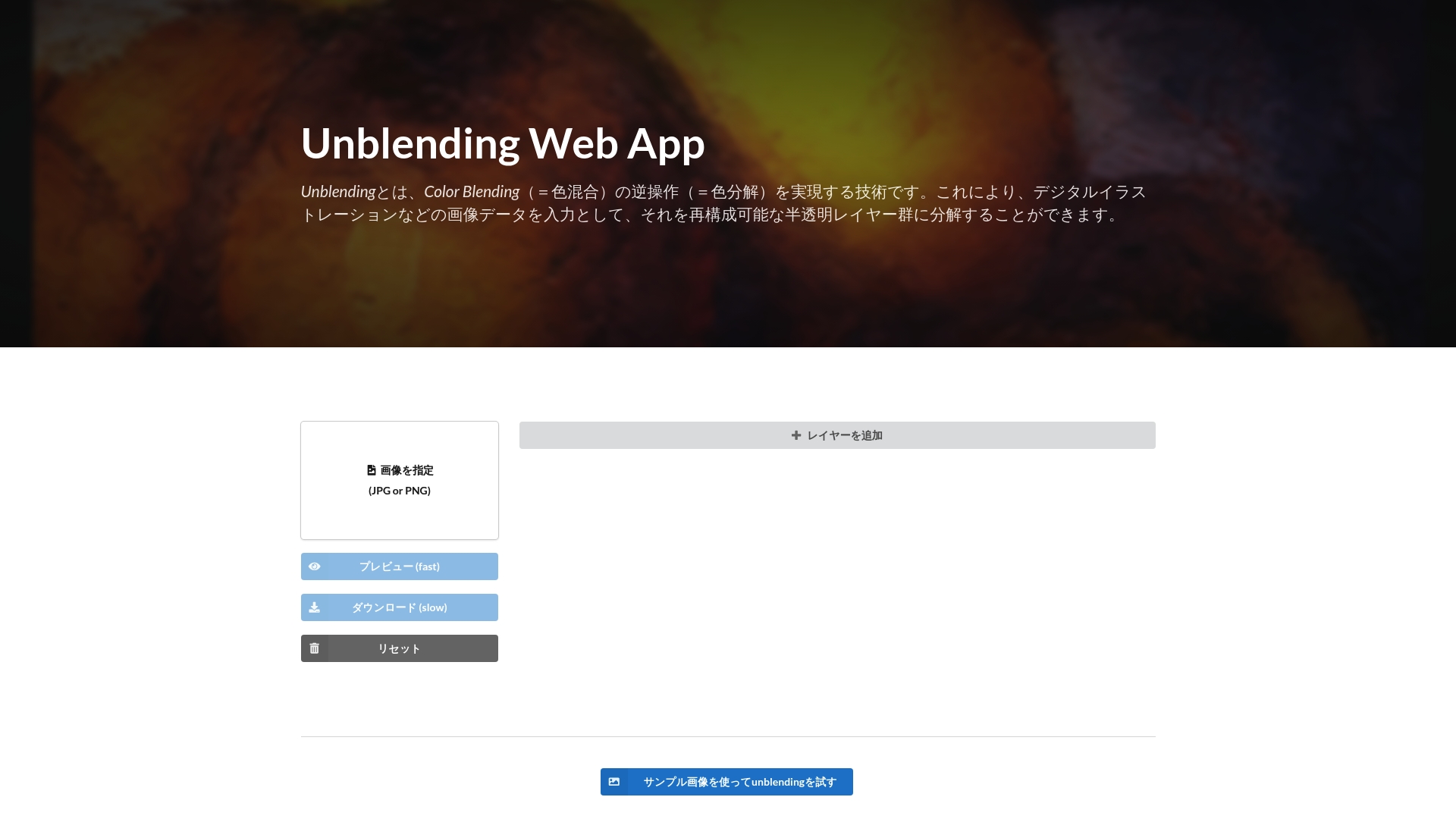
Unblending Web App applies advanced color decomposition to break images into reconstructable semi transparent layers for editing and analysis. It delivers research backed results and a clear workflow for artists and researchers, though commercial use requires prior consultation.
Core Features
The app lets you upload images and perform color decomposition into editable layers, add and configure layers, preview results, and download high resolution outputs. The underlying algorithm is published in academic work and the tool integrates with common image editing software for downstream processing.
Pros
- Free research access: The service provides advanced color decomposition technology at no charge for research demonstration, which lowers the barrier to testing complex workflows.
- Simple operation: The interface keeps common tasks straightforward so artists can add layers and tweak color settings without deep technical setup.
- Research backed algorithm: The decomposition method is tied to academic publications and source code, which increases confidence in reproducibility and accuracy.
- Post processing friendly: Outputs are compatible with many image editing tools so you can finish work in your preferred desktop app.
- Relevant to image processing fields: The tool fits image processing, computer vision, and digital art projects that need layer extraction and analysis.
Cons
- Processing time can be long: Some images take noticeable time to process, which slows batch workflows in a busy print shop environment.
- Commercial restrictions apply: The service is offered as a research demonstration and requires prior discussion before commercial use, limiting immediate production use.
- Learning curve for settings: Users unfamiliar with decomposition concepts need time to understand layer configuration and optimize results.
Who It's For
This tool targets individual creators and professionals who work in digital art or image editing and who also have research or experimental needs. It suits artists, academic researchers, and small studios that test new reproduction techniques and accept research oriented licensing terms.
Unique Value Proposition
Unblending offers a research aligned decomposition workflow that produces editable semi transparent layers rather than flat separations. That combination of academic validation and practical output makes it valuable if you want scientifically explained results you can open in standard editing software.
Real World Use Case
An artist uploads a finished illustration, decomposes the colors to separate subtle glazes into independent layers, tweaks individual layer opacity and color balance, then downloads a high resolution file for final compositing in Photoshop or Krita.
Pricing
The platform is available for free as a research demonstration, with commercial use requiring prior consultation with the developers. That model lets you evaluate quality before deciding on any production licensing.
Website: https://unblending.ongaaccel.jp
Image Layering Tools Comparison
The table below provides an overview of various tools designed for image layering and decomposition. Compare their features, benefits, limitations, pricing models, and ideal users to determine the best fit for your needs.
| Tool | Core Features | Pros | Cons | Pricing |
|---|---|---|---|---|
| LayeredPNG | Automated layer conversion, template reuse | AI-assisted workflows, focused on high-volume production | Limited export formats, unclear detailed pricing | Free plan available, contact for advanced pricing |
| Qwen Image Layered | RGBA layer decomposition, smart background reconstruction | Free open-source access, supports varied styles | Limited precision control, performance variability | Free, paid credit packs (e.g., $1.99 for 10 credits) |
| Layerlift | Layer separation into PSD/FIG/PNG | Fast processing, versatile export formats | Unspecified size limits, undefined pricing | Contact vendor for pricing tiers |
| Canva | Templates, AI-assisted tools like background removal | User-friendly interface, collaboration focussed | Paid features for advanced tools, generic templates | Free plan, Pro: $120/year, Business: $200/year |
| Unblending Web App | Color decomposition, editable transparent layers | Advanced research-based algorithm, free for testing | Time-intensive processing, commercial restrictions | Free for research, contact for commercial use |
Streamline Your Print-Ready File Preparation with LayerPrep
The article "Top 6 Layeredpng.com Alternatives 2026" highlights the challenge of converting complex images into editable, layered assets for design and print workflows. Many tools focus on AI-powered layer extraction but fall short when it comes to accurate color matching and print-ready validations. If your goal is efficient Pantone color matching, precise DPI resolution checks, and seamless handling of multi-format files including PNG, JPG, PDF, and SVG, your search ends here.
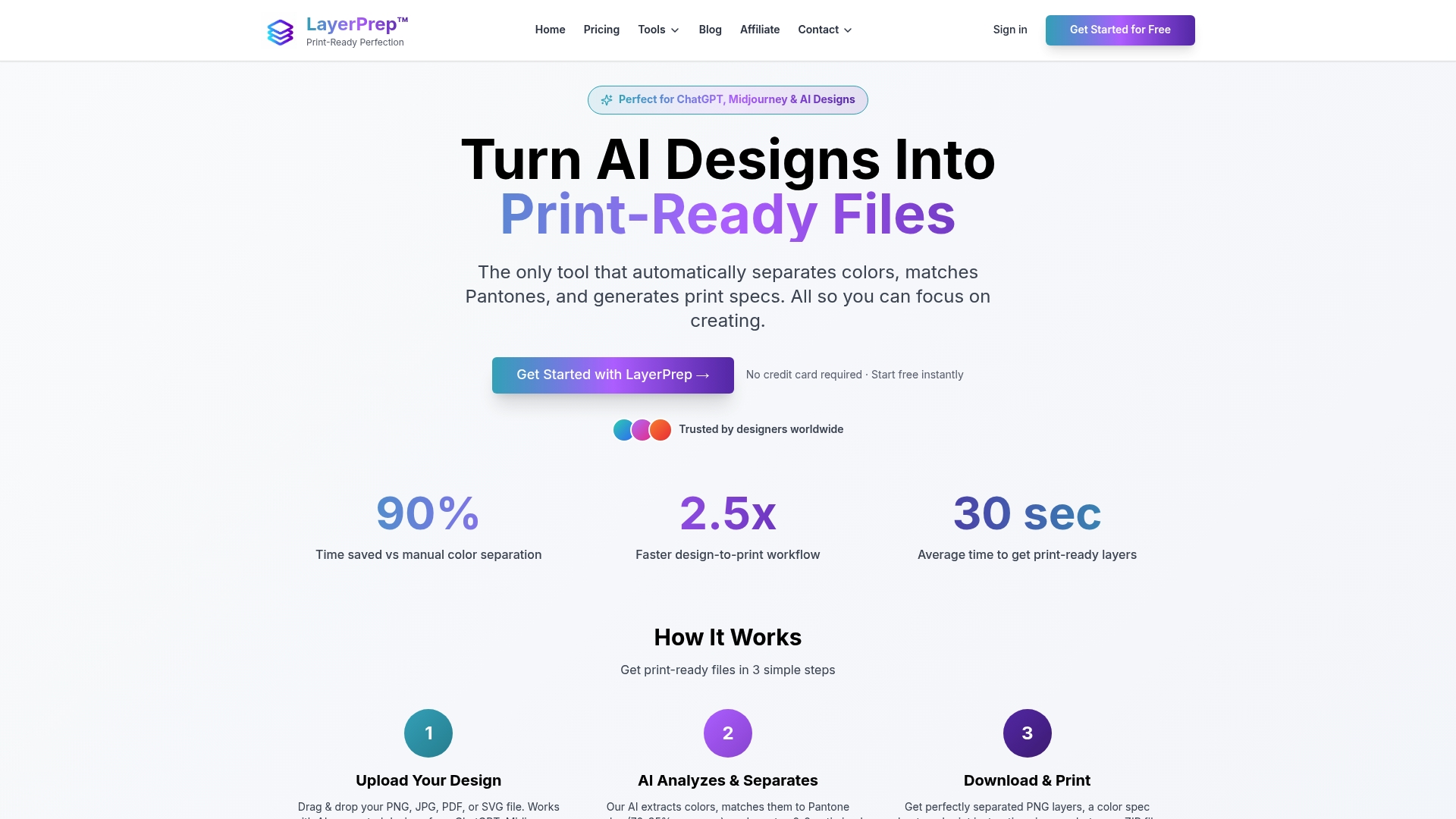
Discover how LayerPrep can transform your print preparation process with automated color separation and high accuracy color matching. Avoid manual rework and speed up production cycles by using a platform designed specifically for print shops and graphic designers who need reliable, fast, and accurate conversion of digital designs into print-ready layers. Act now to simplify your workflow and deliver flawless prints quickly.
Frequently Asked Questions
What are the top features to look for in LayeredPNG alternatives?
LayeredPNG alternatives should offer features like image to layer conversion, automated background removal, and support for multiple file export formats. Look for tools that allow easy collaboration and have a user-friendly interface to streamline your design workflow.
How can I choose the best alternative to LayeredPNG for my team?
Evaluate your team's specific needs, such as the volume of image processing, desired output formats, and collaboration features. Consider conducting trials of different options to see which tool meets your expectations for speed and usability before making a decision.
Can I edit images using alternatives to LayeredPNG?
Many LayeredPNG alternatives, like Qwen Image Layered and Canva, offer editing tools that allow for resizing, recoloring, and object manipulation. Test out the editing capabilities of each tool to see if they align with your design requirements.
How do I prepare images before using LayeredPNG alternatives?
Ensure your images are high-resolution and have clear edges for best results. Optimize your files by keeping them in common formats like JPG or PNG and avoiding overly complex backgrounds to streamline the separation process.
What are the common pricing models for LayeredPNG alternatives?
LayeredPNG alternatives may follow subscription models, one-time payment, or offer free versions with limited features. Review pricing structures carefully to determine which plan aligns with your budget without compromising on essential features.
How quickly can I expect to see results when using these alternatives?
Most LayeredPNG alternatives process images within seconds to a few minutes, depending on the complexity of the image. Aim for a turnaround time of less than five minutes for most standard uses to maintain your workflow efficiency.